Introducing rCTF v2


We’re releasing rCTF v2, an open-source platform for hosting cybersecurity capture-the-flag competitions.


Preface
rCTF celebrates its sixth birthday this year! Ever since the legacy team redpwn released this CTF framework at the beginning of 2020, it has been the driving force behind a remarkable number of community CTFs, including several of our own. When OtterSec took over maintenance of this framework a couple of years ago, we inherited a principled architecture that simply didn’t topple after throwing thousands of teams at it.
We also inherited an ever-growing list of things it could not do. If you’ve ever organized an event with rCTF, you probably have encountered these pain points: your sponsor goes “hey, there’s a typo in our blurb” and now you have to SSH into your box and restart to apply it. Or maybe you’ve had to sift through psql output because you were tipped off that a team was flag-sharing. Maybe you wished you could simply revoke a team’s solve without nuking the entire account. Inevitably, rCTF became a thing that organizers forked more than cloned due to the amount of patching and modification needed to suit individual needs. CTFs have changed a lot in these six years, and rCTF was built during simpler and more naive times.
And so, we started over from a fresh folder! You might think that this is like a Ship of Theseus-esque problem, since there’s no way you can still call this rCTF if none of the original code remains. We’ve addressed this by keeping full backwards compatibility. Anything that worked with v1, from existing themes to your existing database, still works with v2 (more on that in Compatibility).
The difference is easiest to see in the web app:
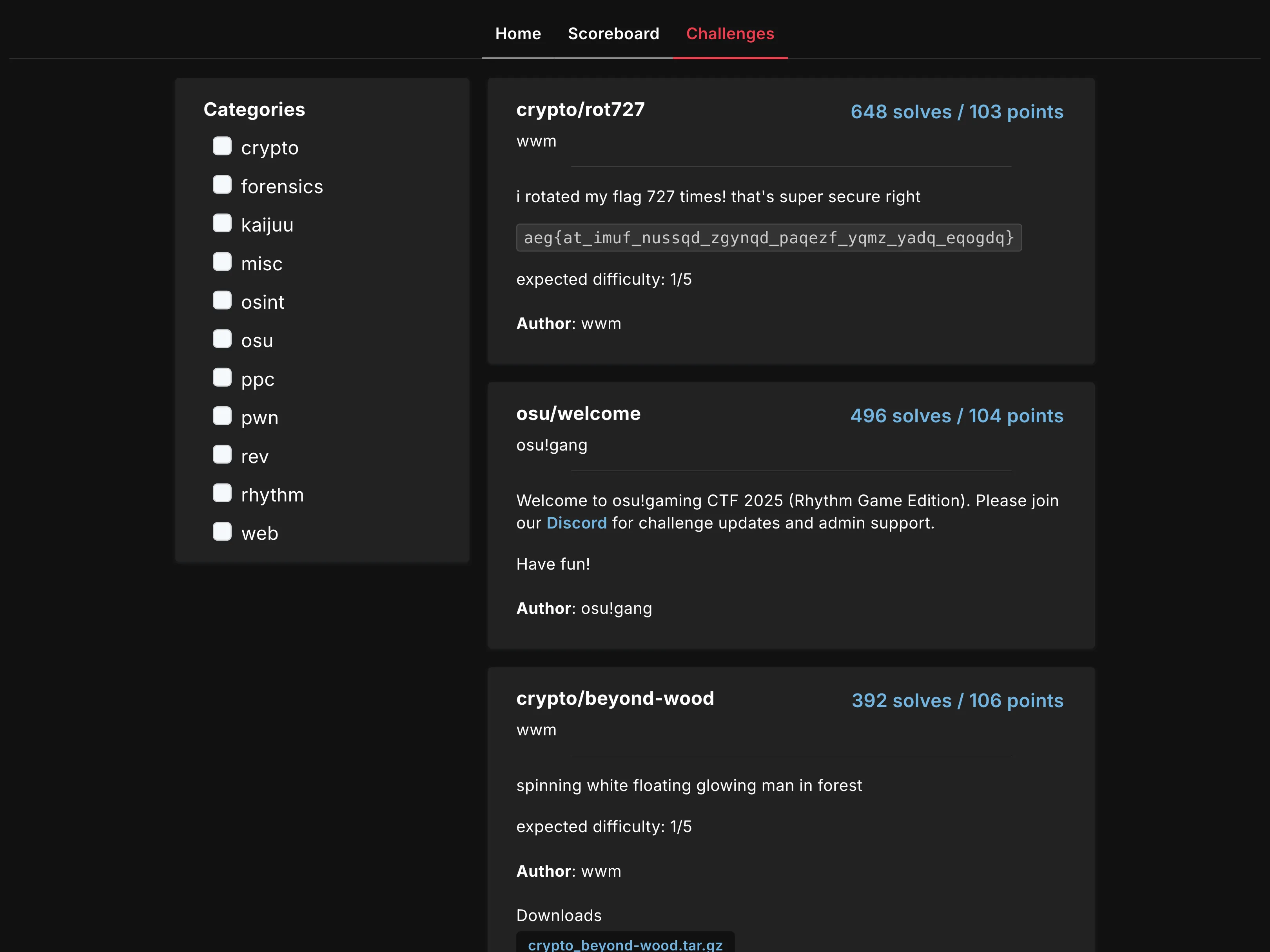
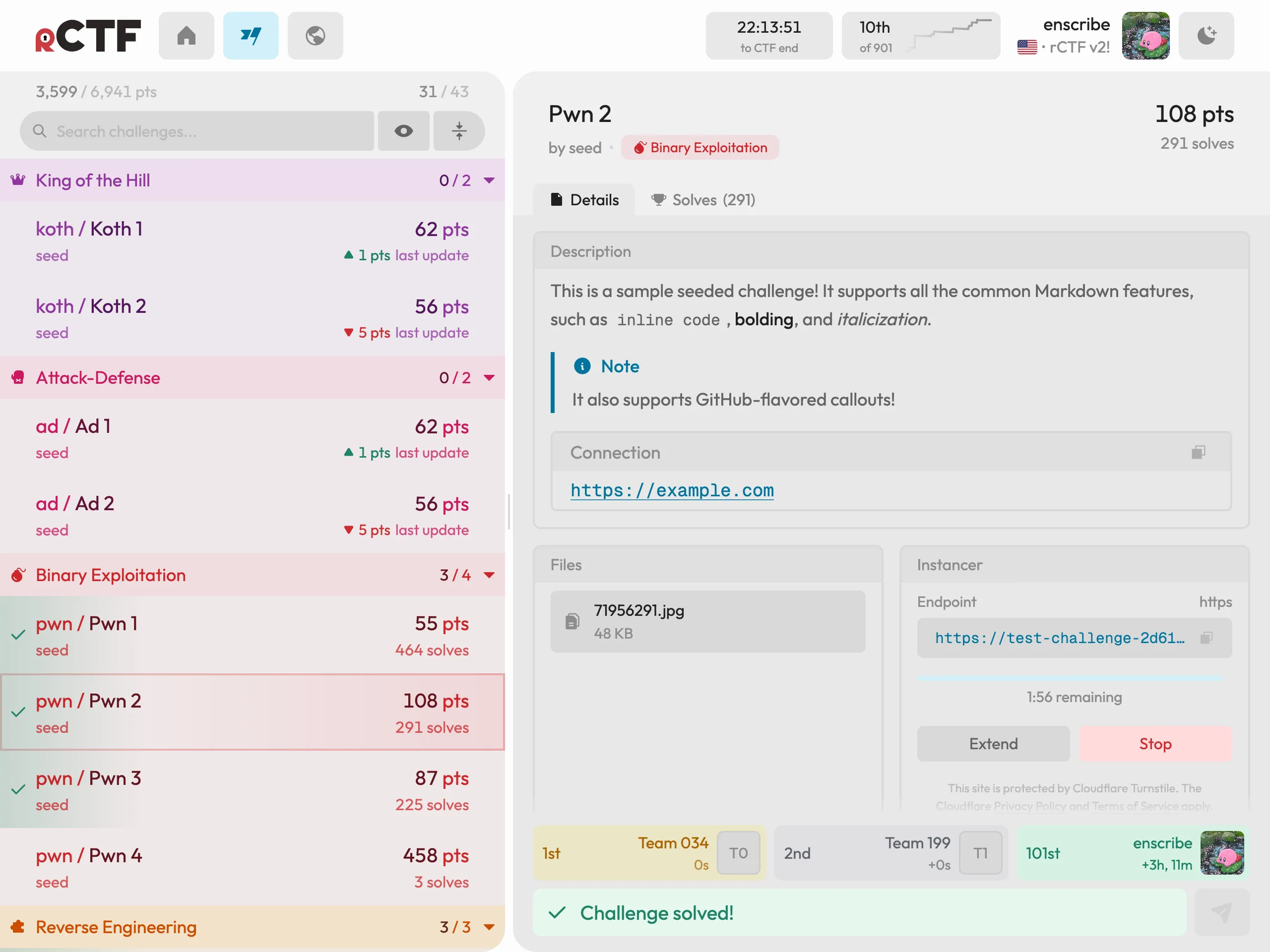
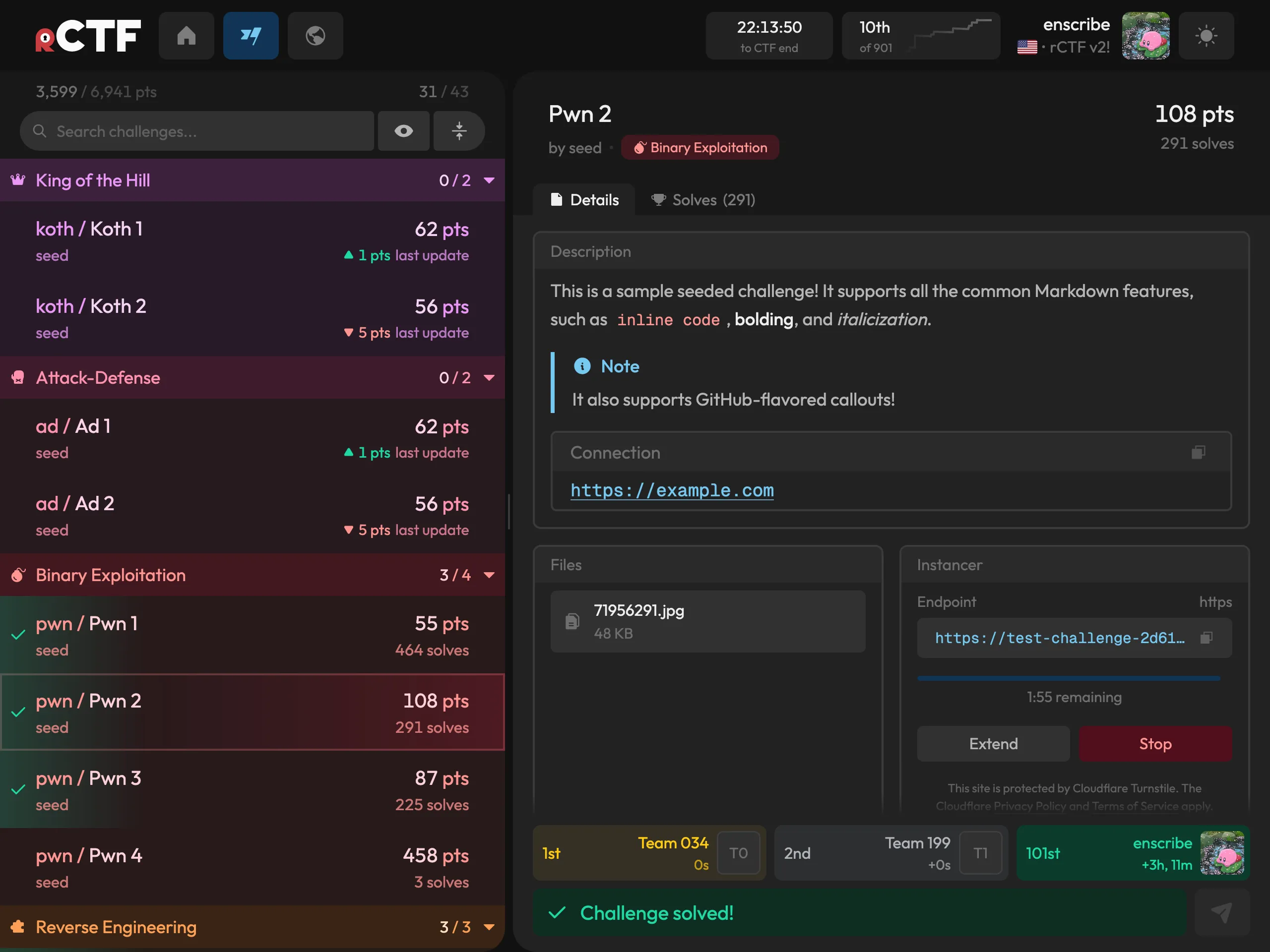
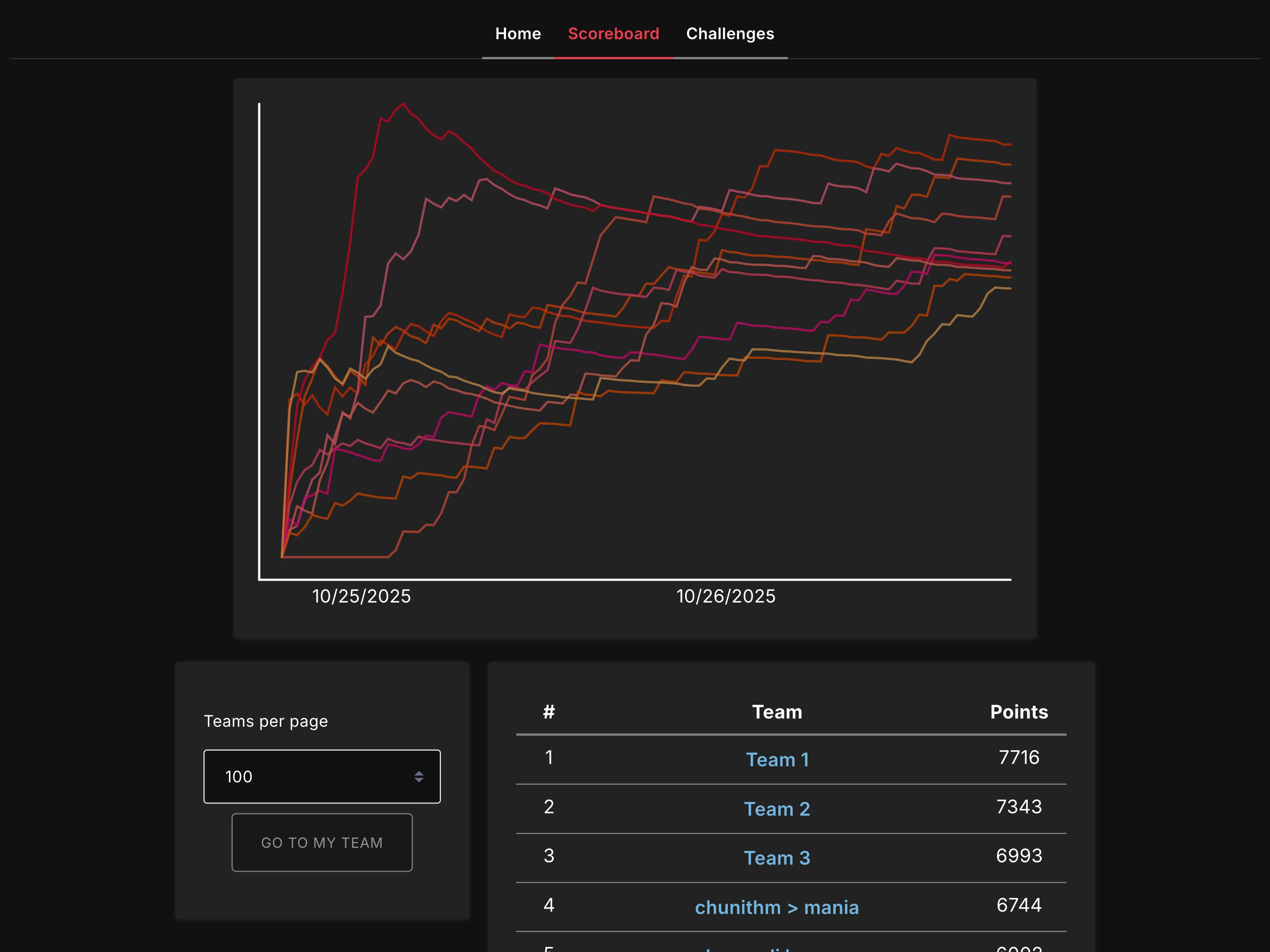
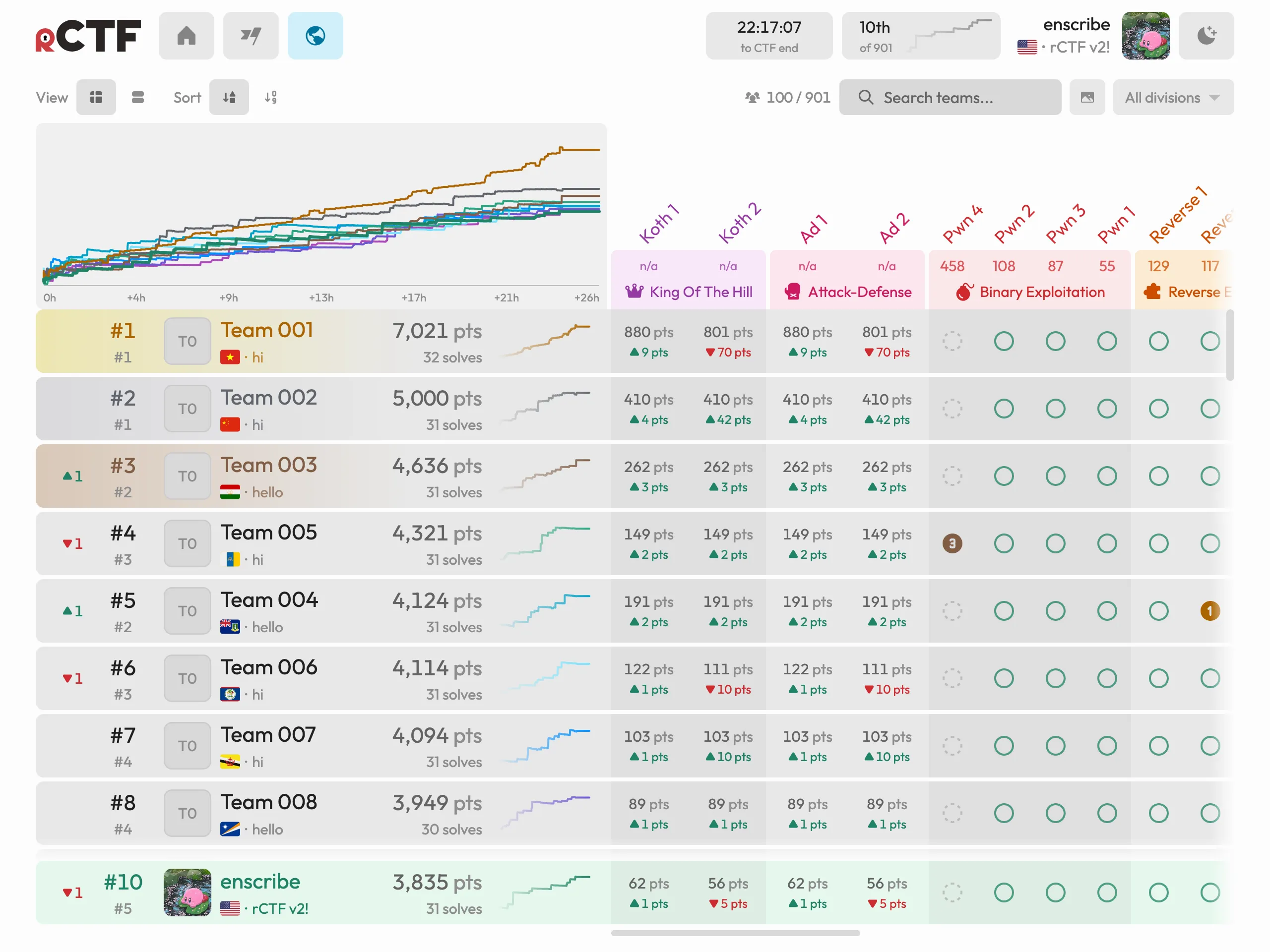
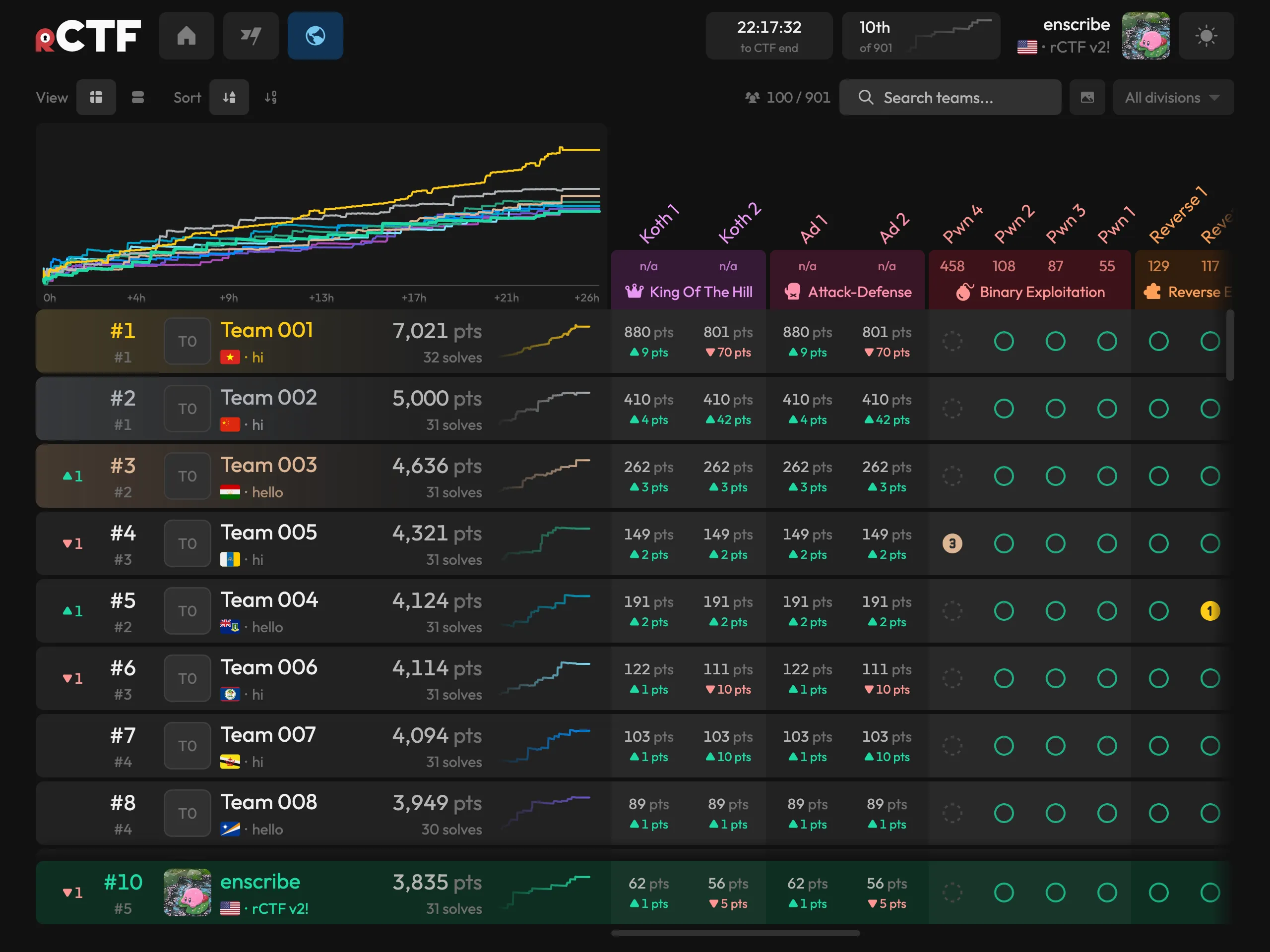
We are so happy to share rCTF v2 with the community. It is free and open source at otter-sec/rctf, and we have written comprehensive documentation at rctf.osec.io. To view a live demo, check out demo.rctf.osec.io.
Features
The rest of this blog post covers what we have added and changed.
Per-team challenge instances
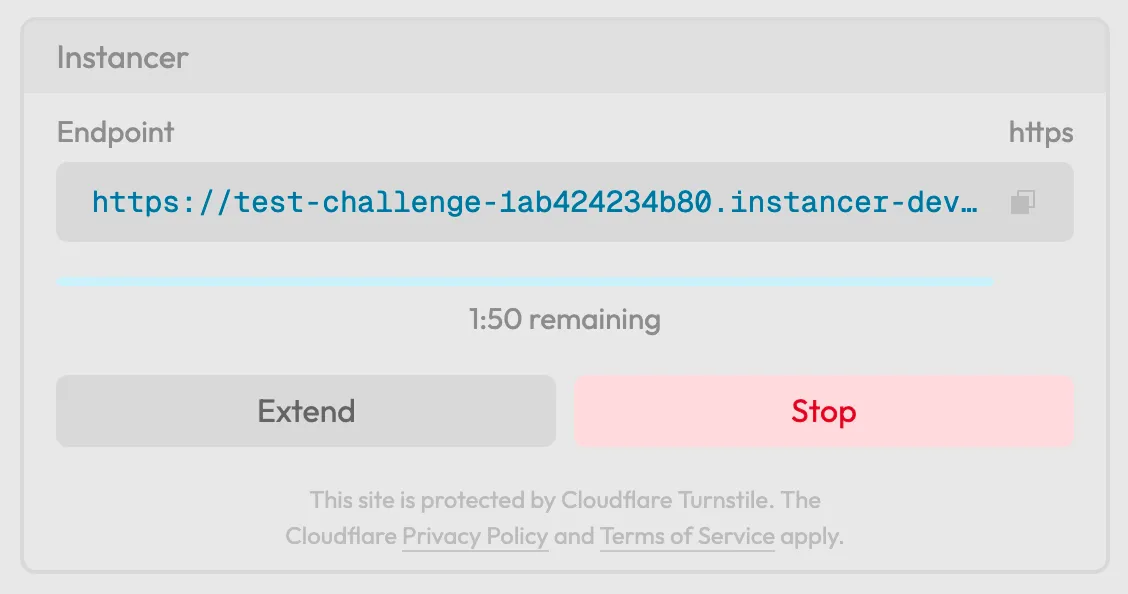
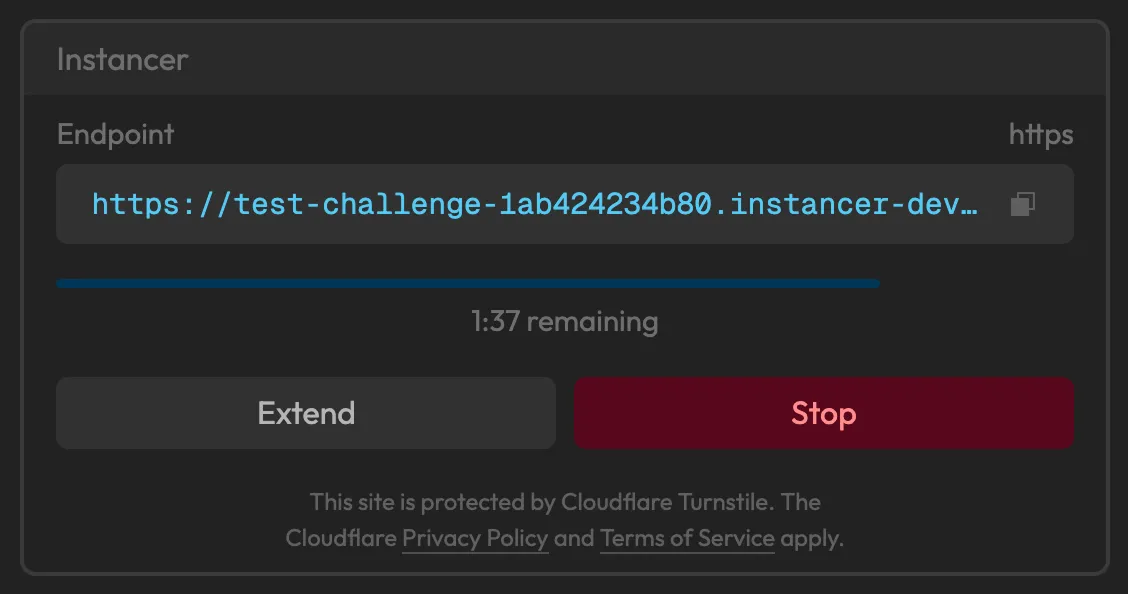
This is possibly the most requested feature for any CTF platform ever. Although challenge authors have gotten good at making shared remotes work (with forking jails for pwn and web challenges that carefully hold no state), this discipline inherently limits the types of challenges you can write. The moment any challenge actually involves real state, sharing an instance for hundreds of teams loses all practicality, and isolating teams from each other becomes the only answer.
In v2, a player clicks deploy and receives their own container, with a visible lifetime and an extend button. Two backends ship out of the box.
- For plain Docker hosts there’s a small Python instancer (a FastAPI service talking to the Docker daemon, with Traefik handling the routing).
- For clusters, there’s a Kubernetes controller written in Go, which reconciles a custom resource into pods, network policies, and routes. There are Terraform modules for GKE if you’d like the cluster handled too.
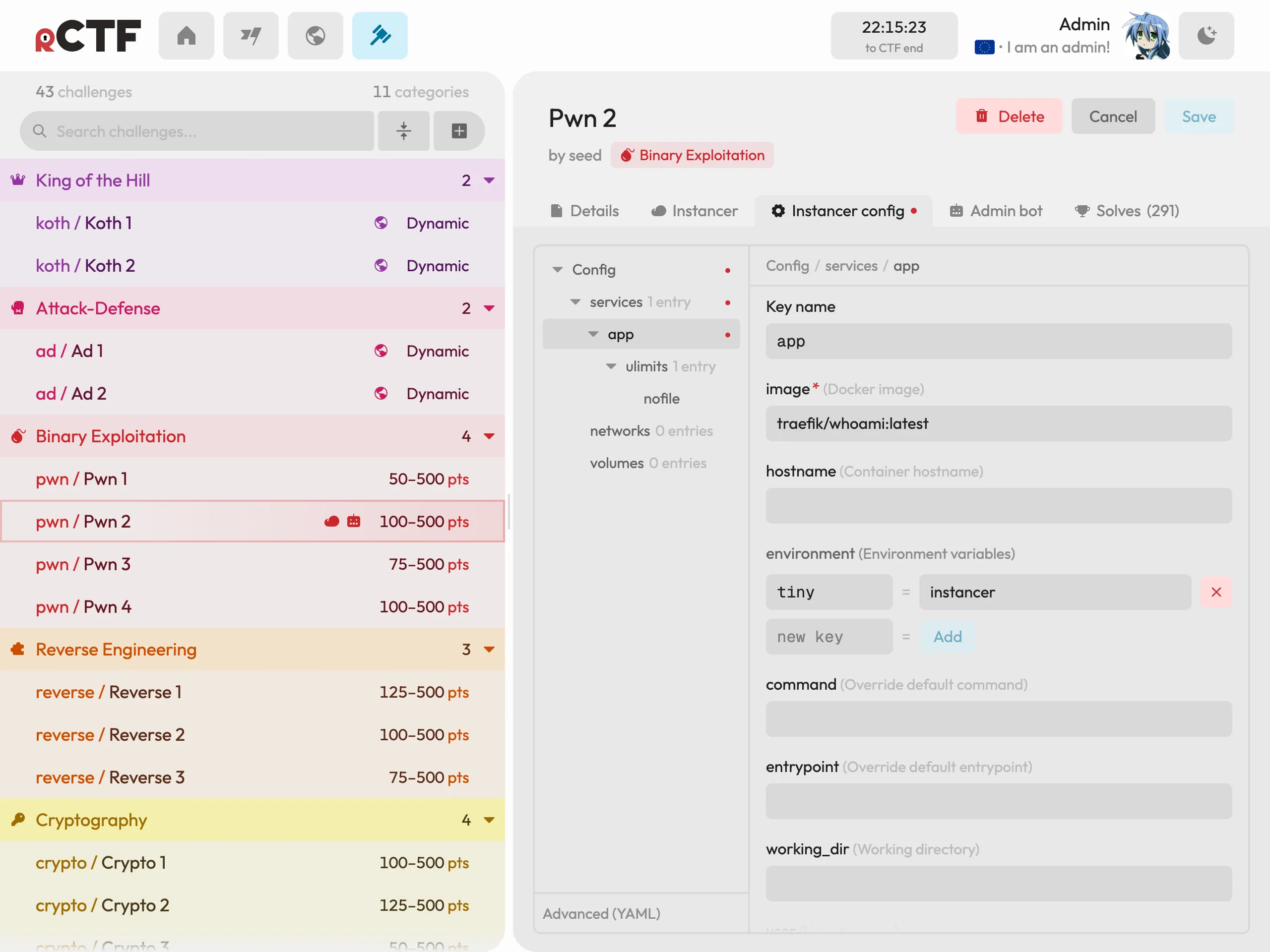
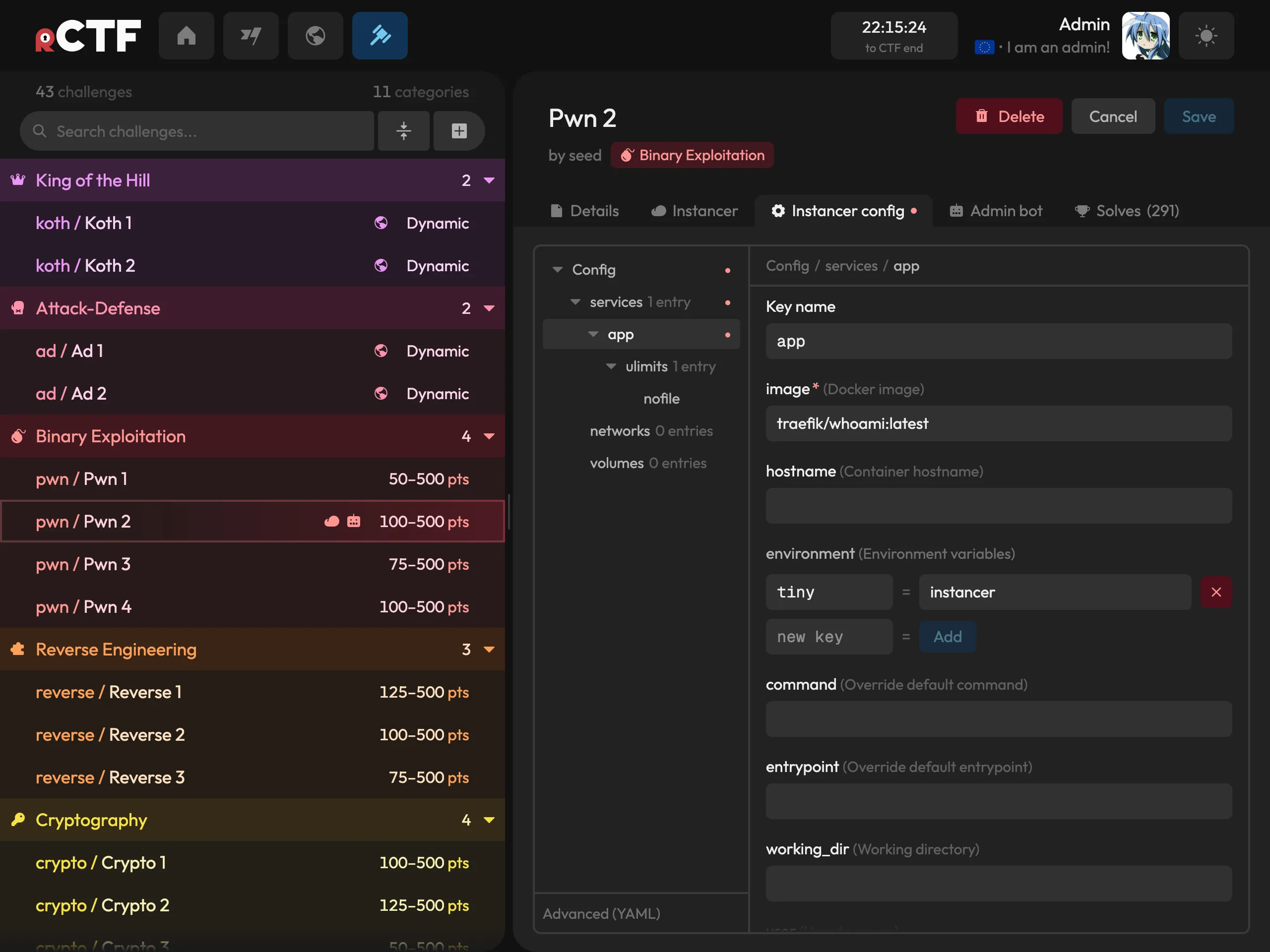
The instancer is configurable for each challenge in the admin panel (the form UI is actually generated from the schema you provide!) and players deal with none of the machinery beyond the deploy button:
A built-in admin bot
If you’ve ever authored a client-side web challenge, you have also written an XSS bot, probably by adapting whichever one your team used the year prior. Ours was rctf-admin-bot. For v2, we rewrote it, added Firefox alongside Chrome, and built it into rCTF:
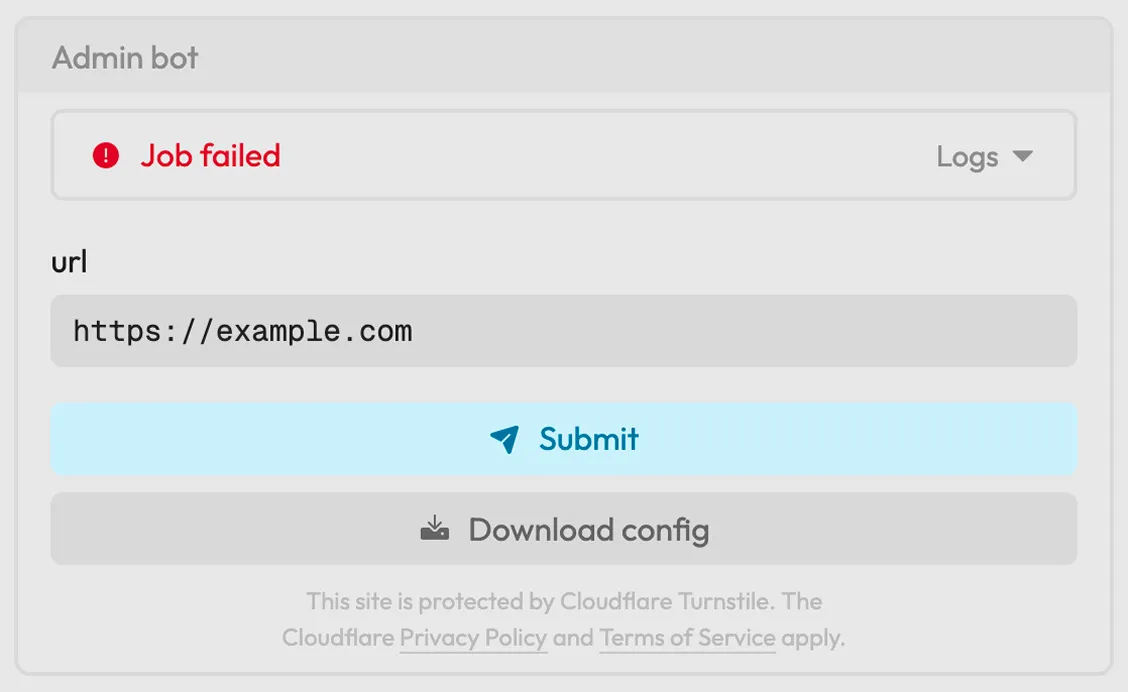
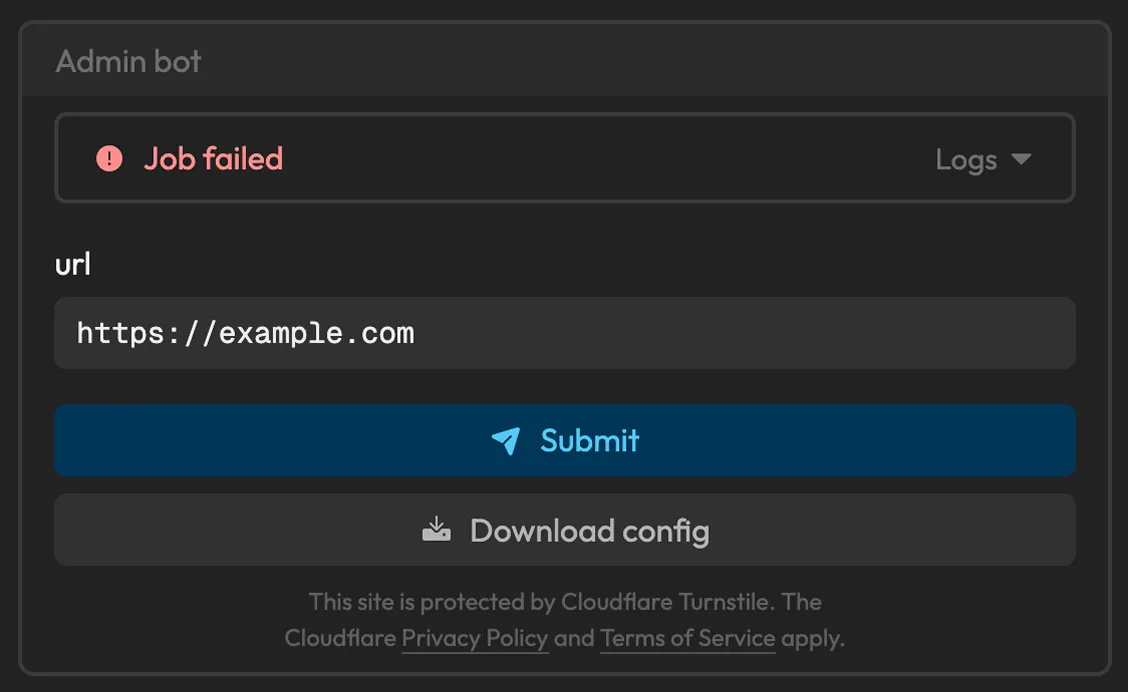
Every challenge can now have its own bot, running behind a queue with rate limits and per-team job tracking.
- On the player side, teams can see their queue position, job history, and (depending on what you enable in the bot config) the bot’s console, navigation, and error logs right on the challenge page. Debugging a payload no longer means posting cookies to some webhook just to see what happened. There’s even a button to download the exact config that runs on submission!
- On the organizer side, the bot validates player input against patterns you define, and PAC rules restrict its network access so it can only reach the designated challenge. If the challenge is instanced, the bot visits that team’s instance. We even prewarm the browser binaries in the image, so the event’s first job isn’t a cold start!
Dynamic challenges
Flag submission covers all jeopardy challenges (we call this “static scoring”), but not king-of-the-hill, attack-defense, or anything where points should drift up and down over time. Until now, hosting these alongside rCTF meant running a second scoreboard and stitching the results together by hand after the CTF ends.
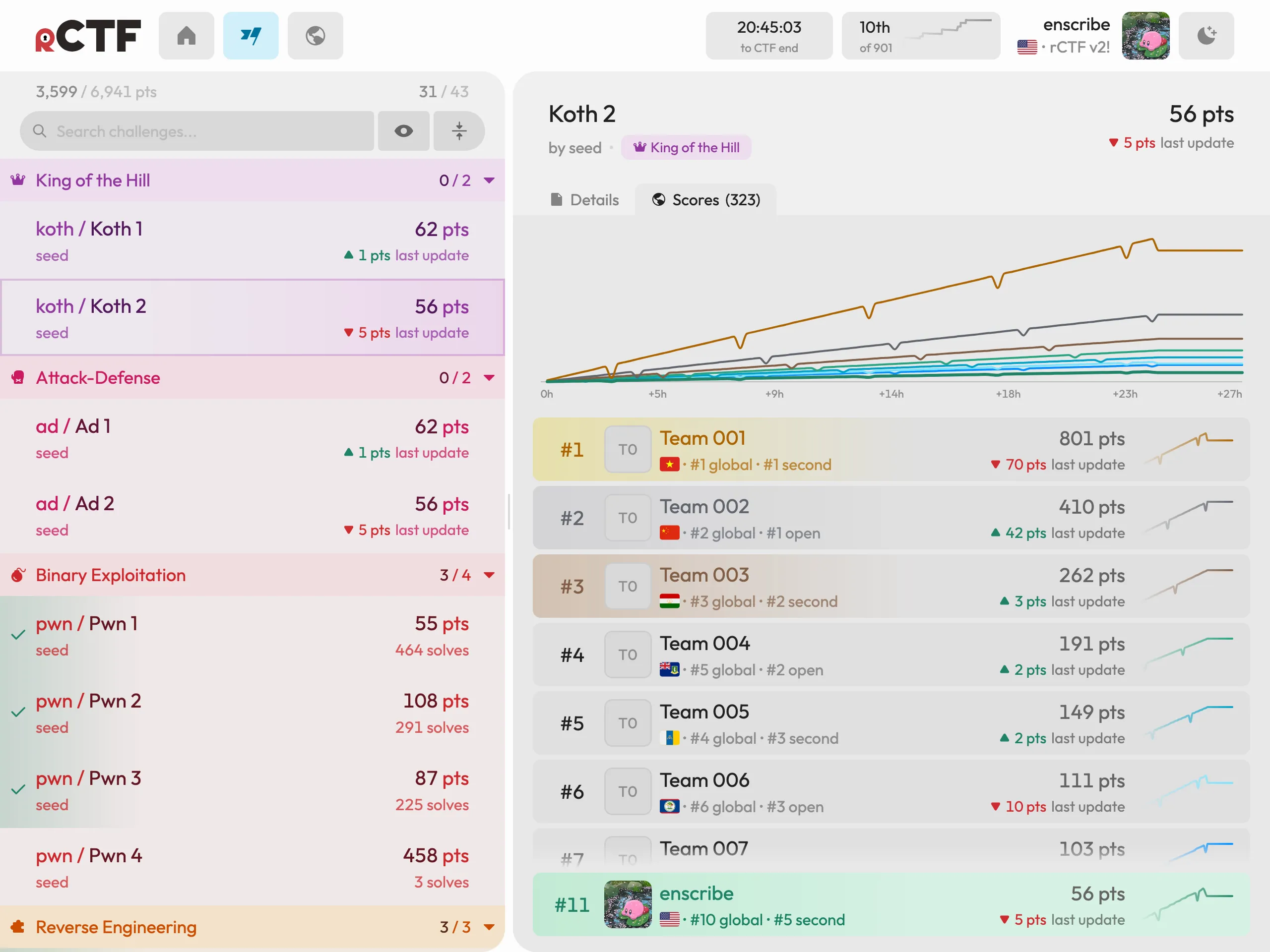
v2 allows you to mark a challenge as scoring.kind = "dynamic". With this, rCTF stops accepting flags for it and starts accepting standings from your scoring backend over a signed webhook:
POST /api/v2/challs/<challenge-id>/scoresX-RCTF-Timestamp: <unix-millis>X-RCTF-Signature: sha256=<hex hmac-sha256 of "timestamp.body">
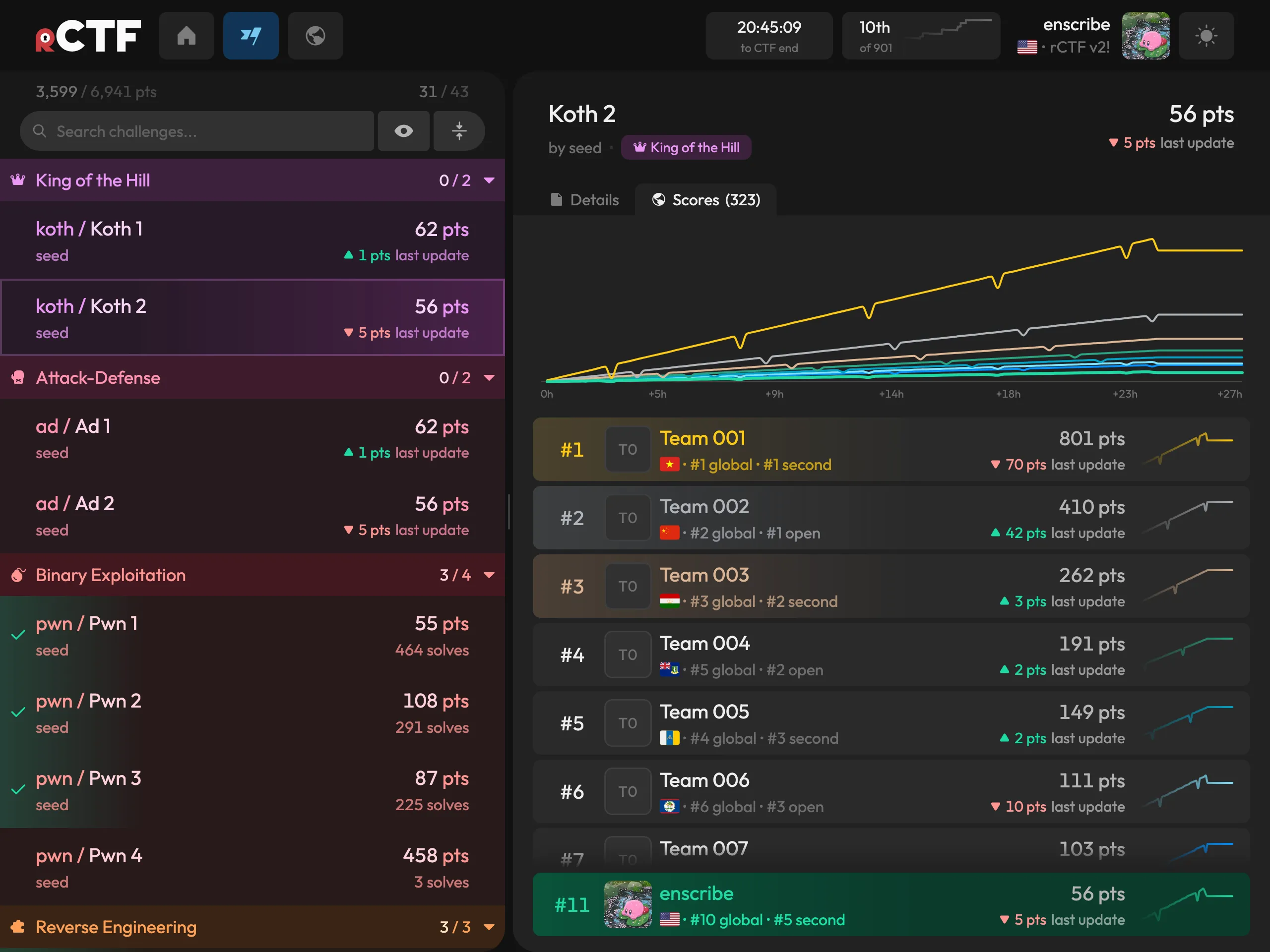
{"scores":[{"userId":"<team-id>","points":1280}, ...]}The webhook is signed, and the docs (https://rctf.osec.io/admin/scoring/) cover the details. Write your scoring backend in whatever language you want, post the current standings whenever they change, and the leaderboard takes care of itself! The web app will display a score graph specifically for that dynamic challenge, and the point delta for each team:
Admin-facing overhauls
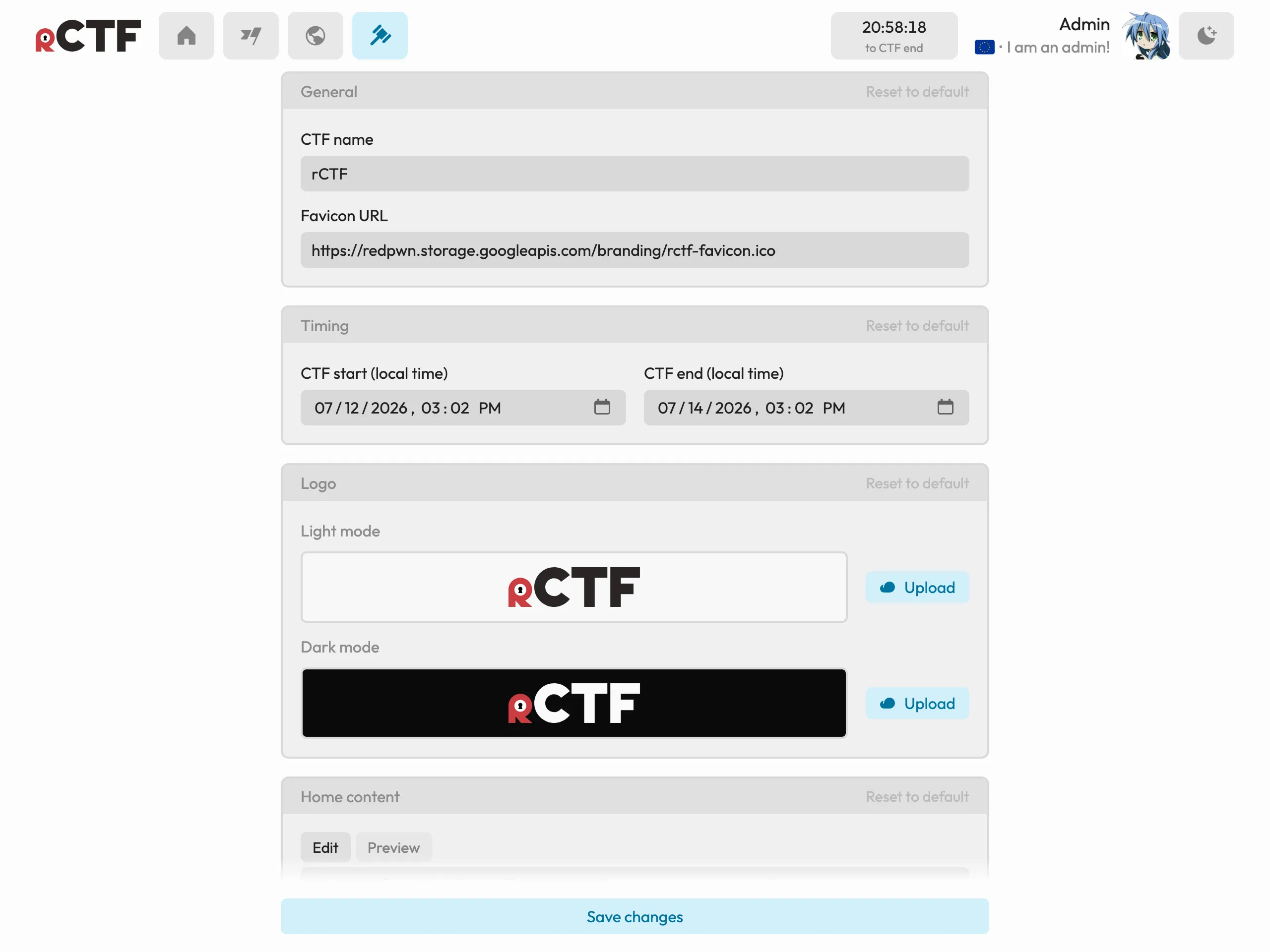
The old rCTF admin panel was a little sad. We now ship a large suite of quality-of-life pages for you to use during a live event! We split it into the following: settings, challenge management, team management, profile view, and submission view.
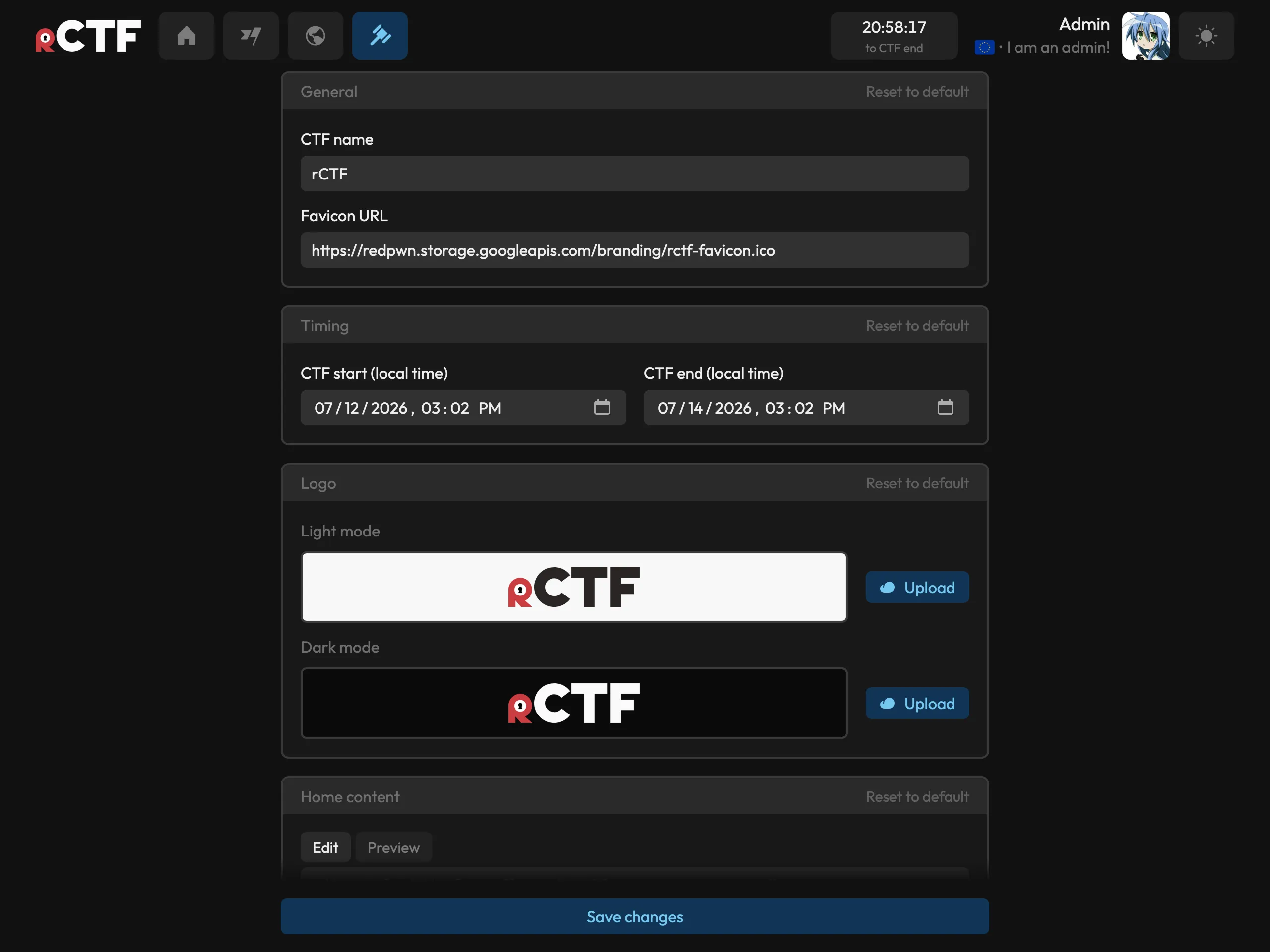
You can now set your event’s start and end time in the admin panel! You can also set sponsor metadata (names, wordmarks, blurbs) and your event’s logo:
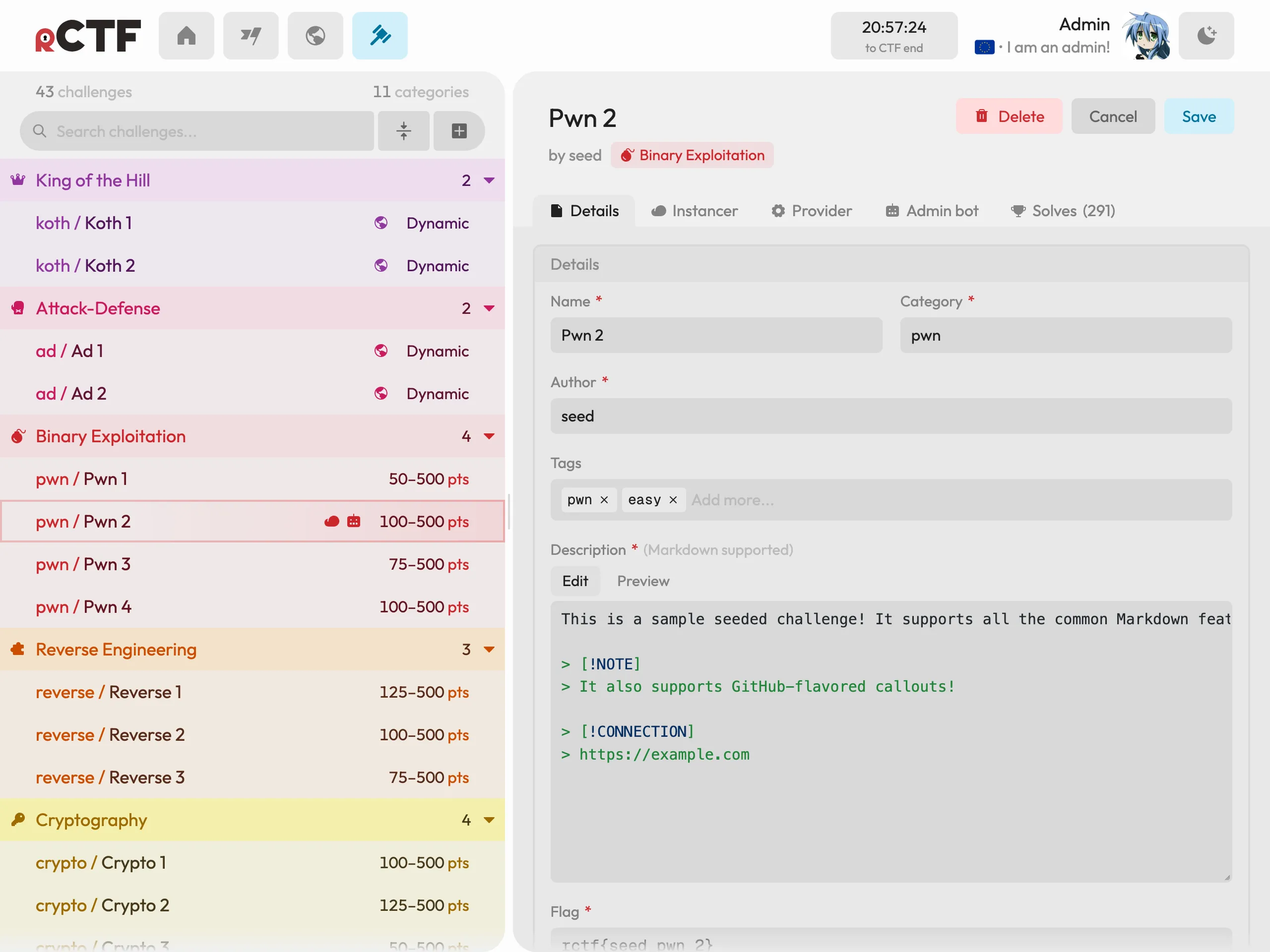
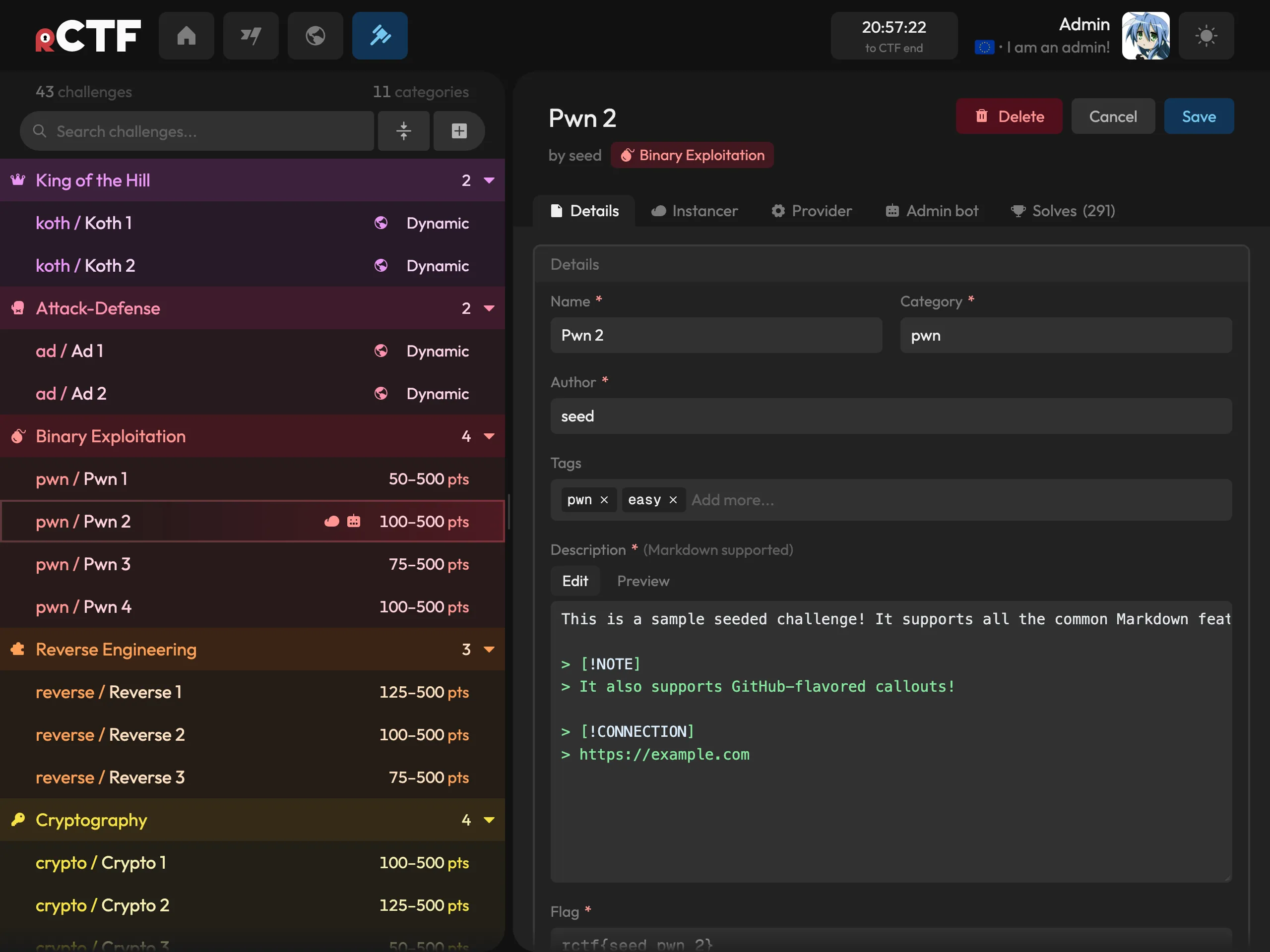
Challenge management allows you to create, alter, and delete challenges. There is now a Markdown preview for descriptions, and you can configure the instancer and admin bot for that challenge on-the-spot:
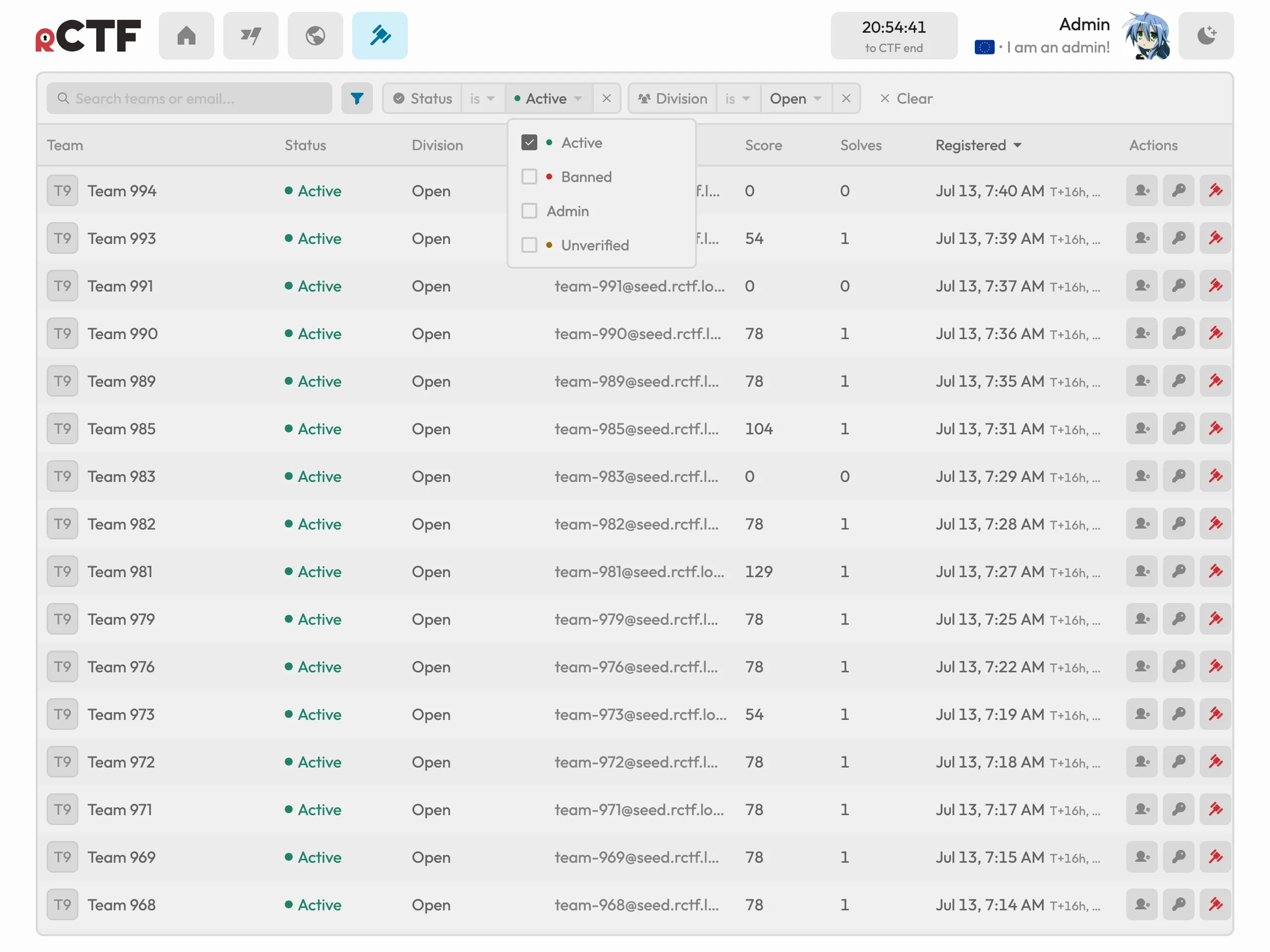
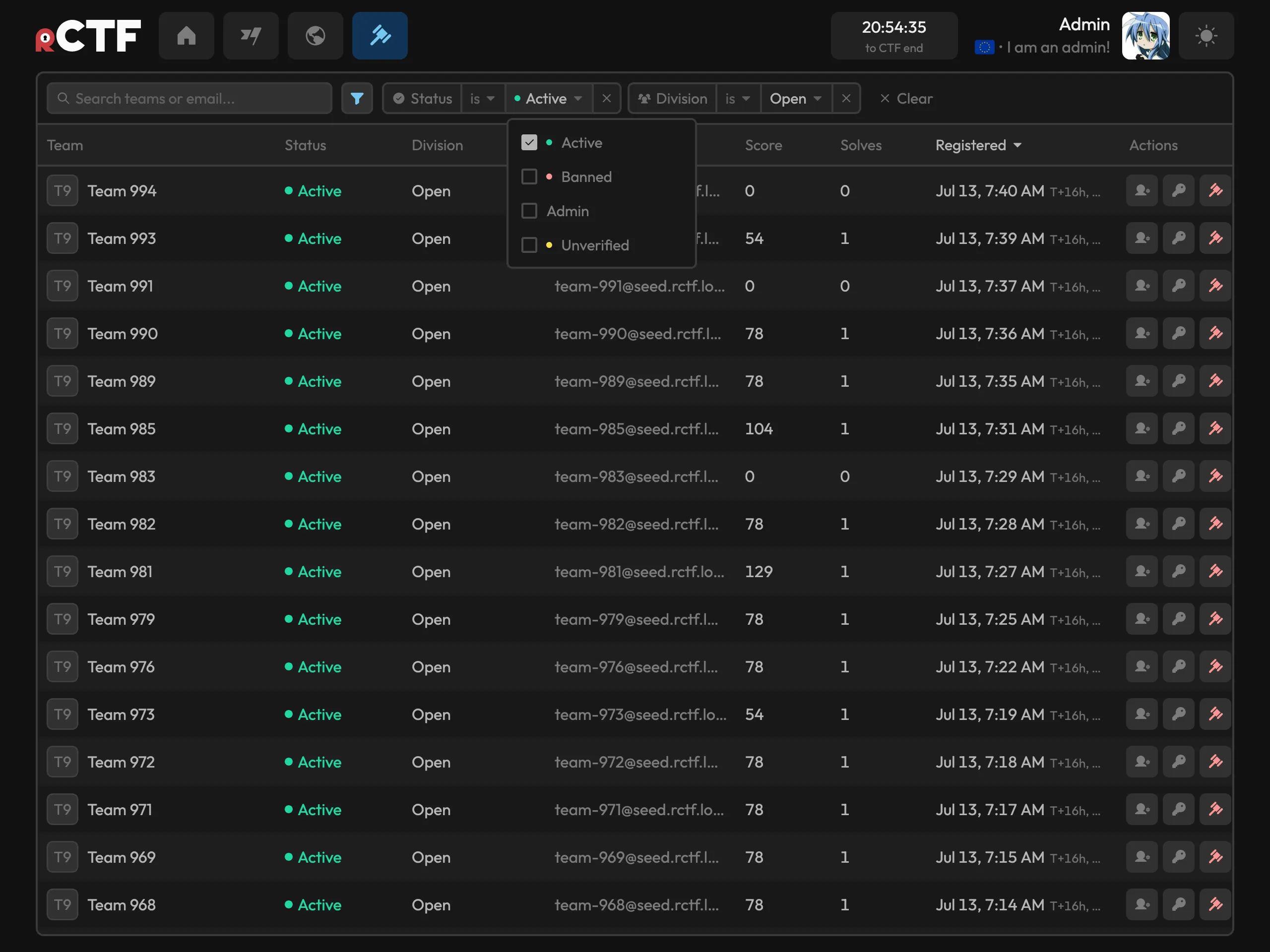
Team management shows a large table of all the teams that have registered and various metadata on them. For “unverified” teams (when you have an email provider configured), you can either manually verify that team or resend the email from this panel:
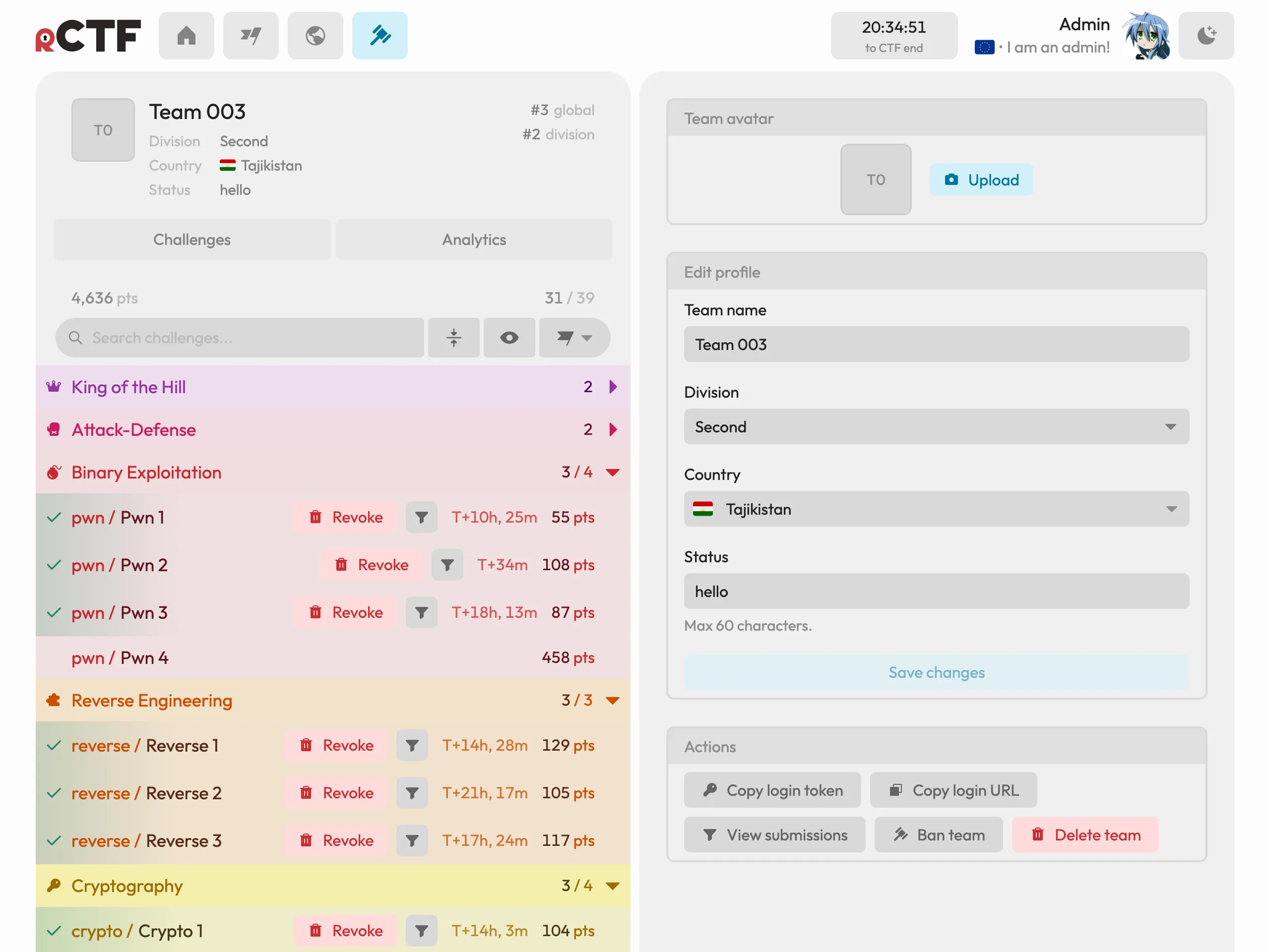
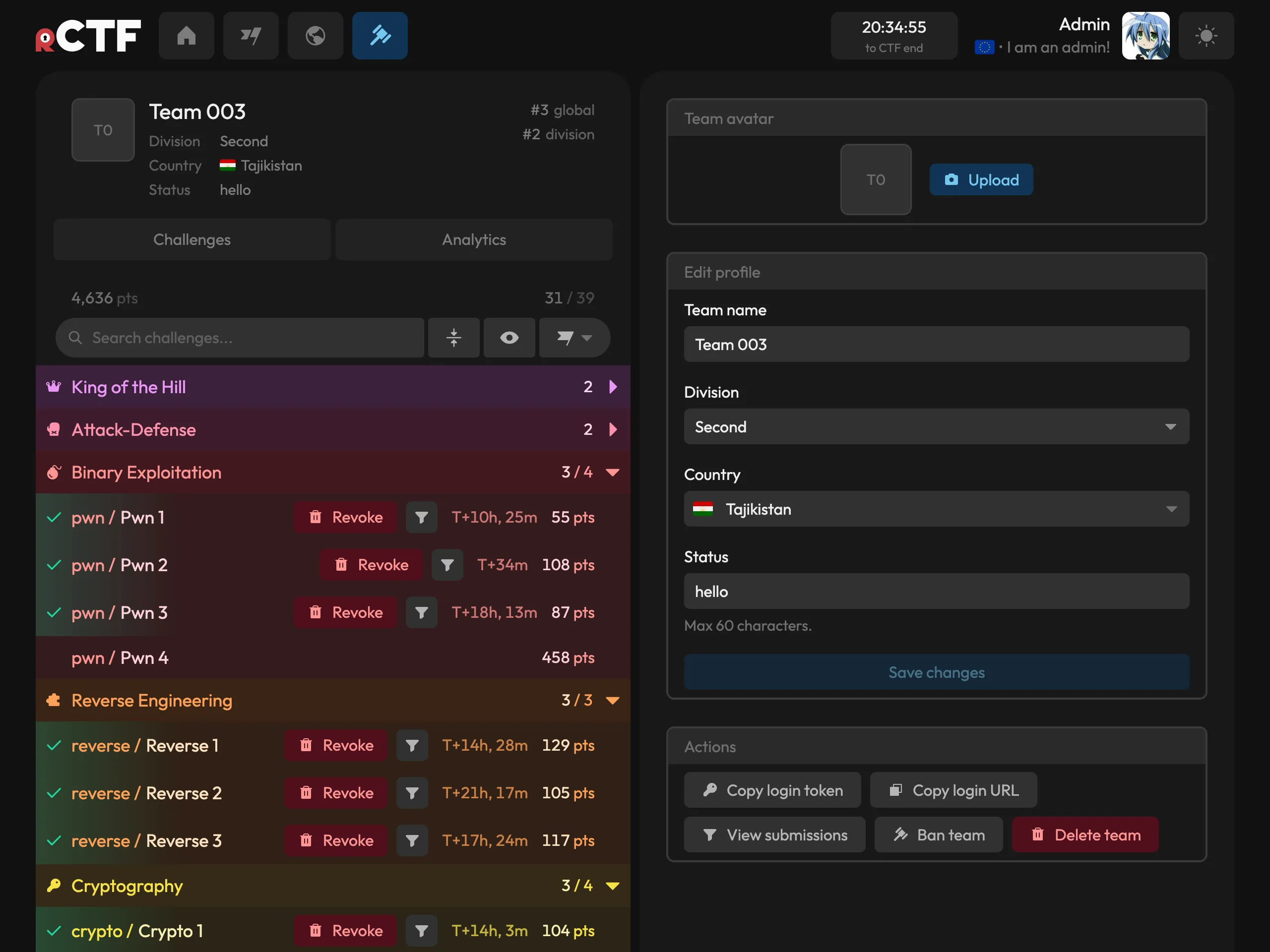
From the above team management panel, you can enter the admin profile view, which is the exact same as the player-facing view except with added destructive actions. You can revoke solves, ban the team, and delete the team in this menu. You can also perform support-related actions in this menu, like copying their team token and/or login URL:
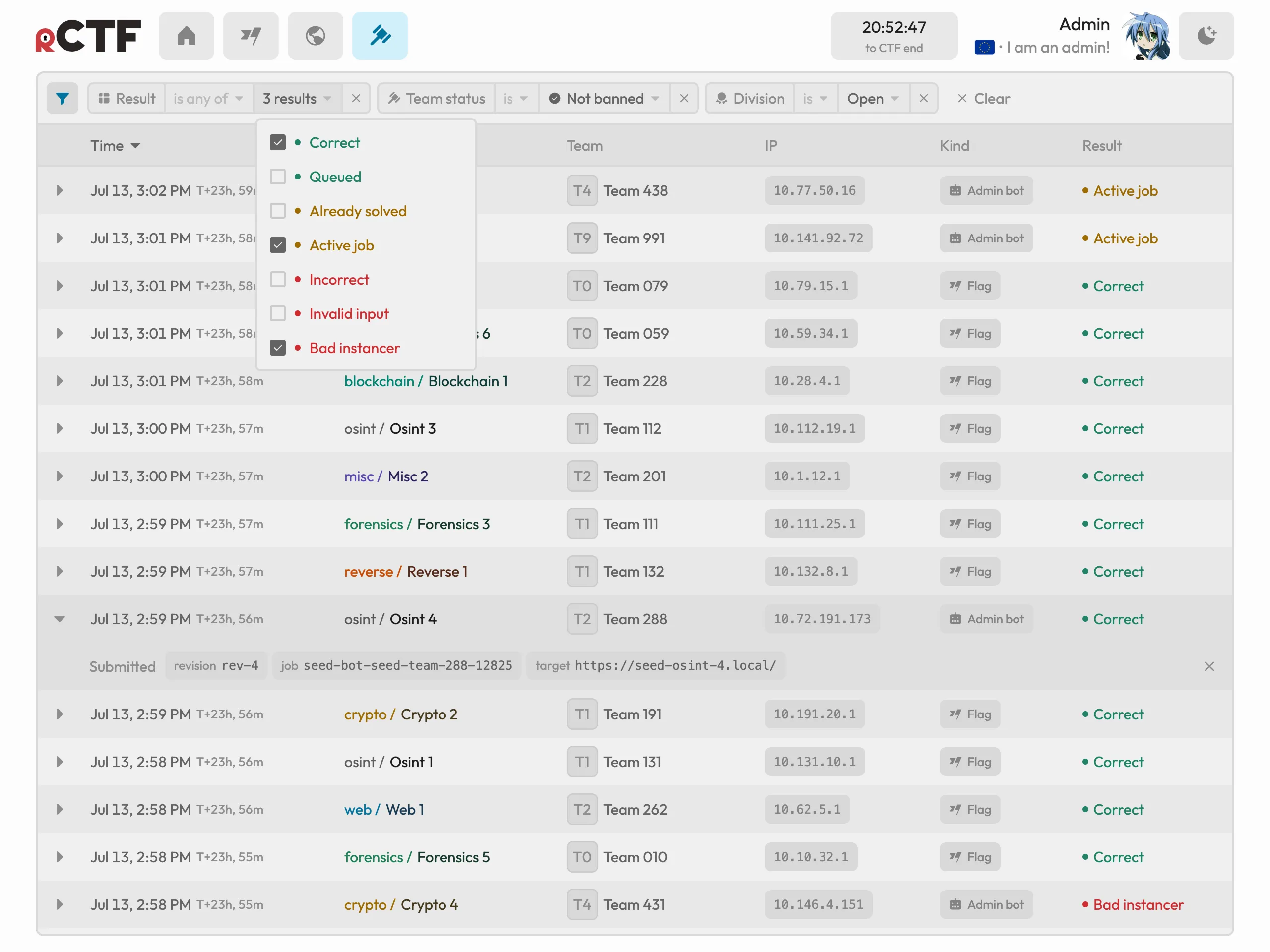
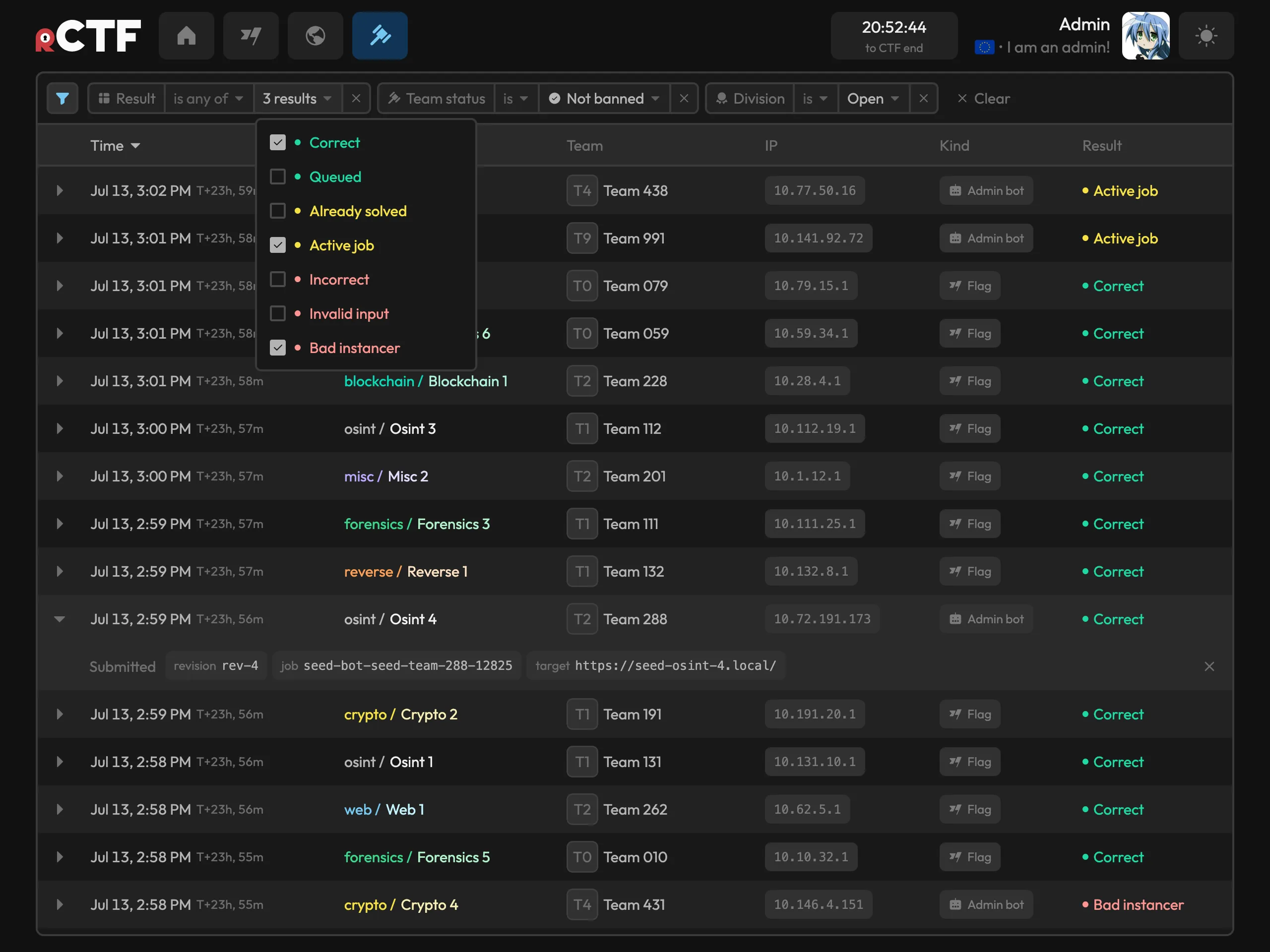
Every submission is logged in the submission with its IP and result, and you can perform advanced filters on team, challenge, category, division, result kind, and time range:
User-facing overhauls
The most obvious part about rCTF v2 is its new and shiny UI!
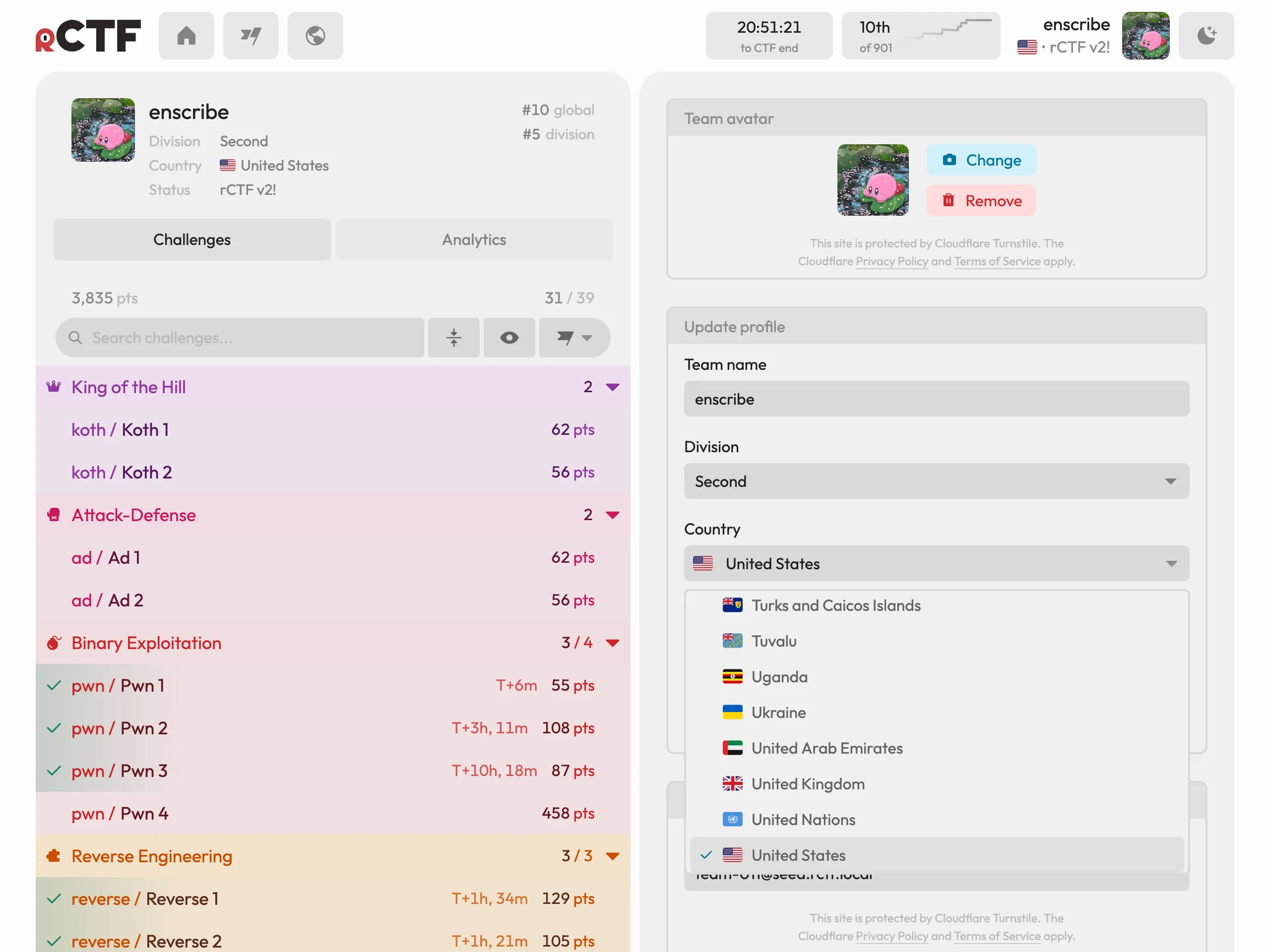
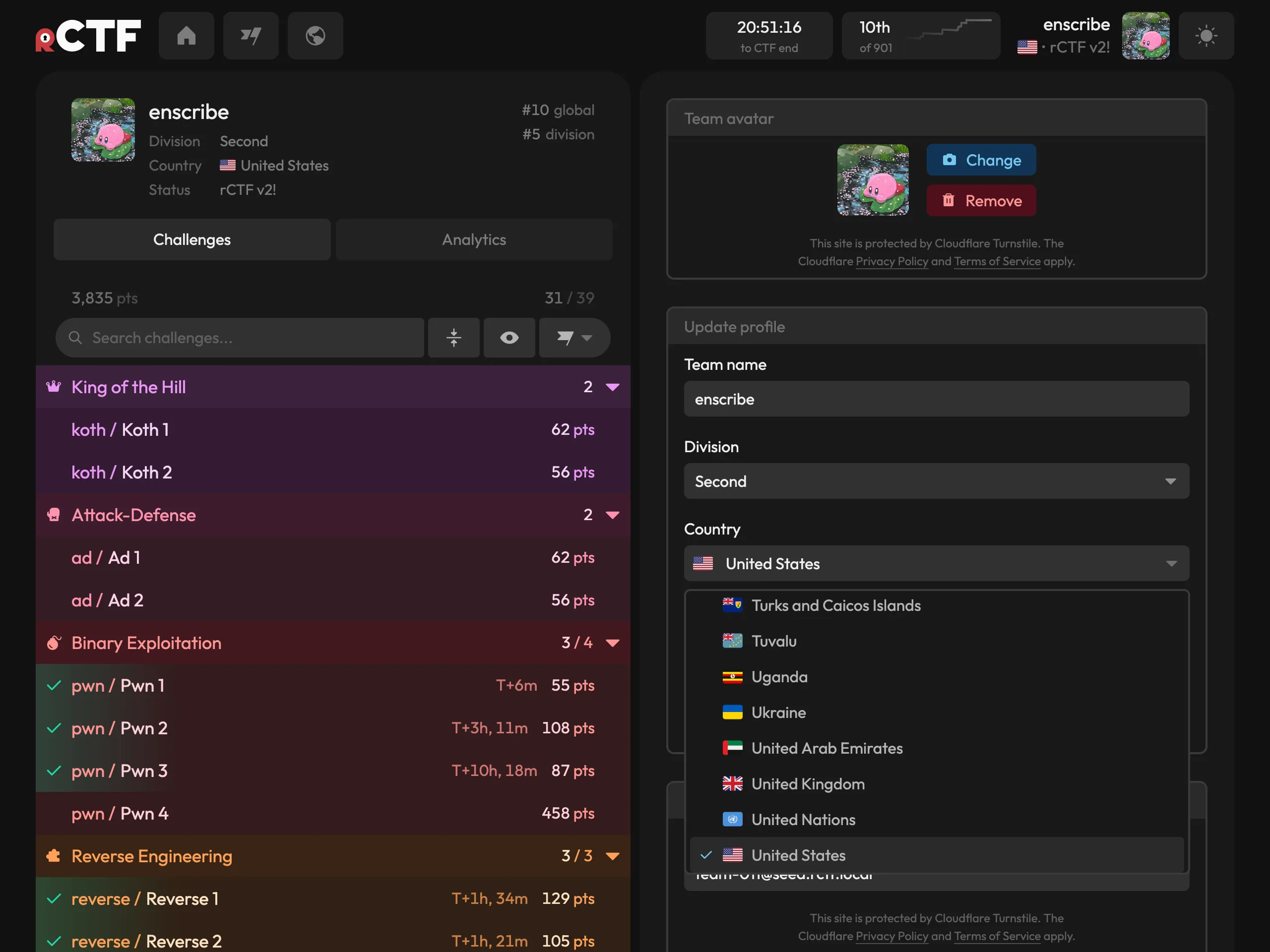
New opportunities for team spirit! You can customize your team’s appearance to your liking with a profile picture (which can optionally be moderated with an OpenAI provider), a country flag, and a custom status/flair text:
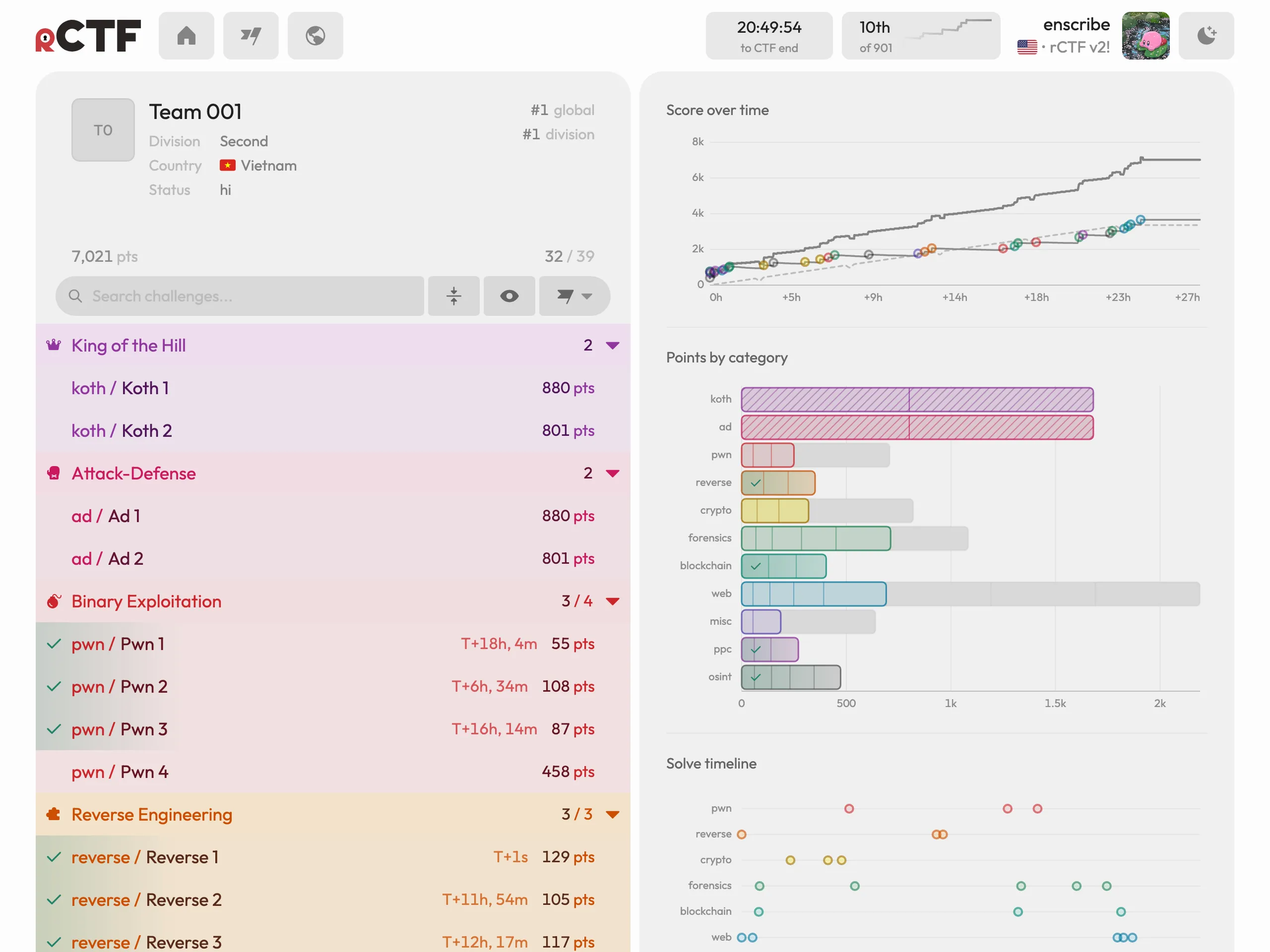
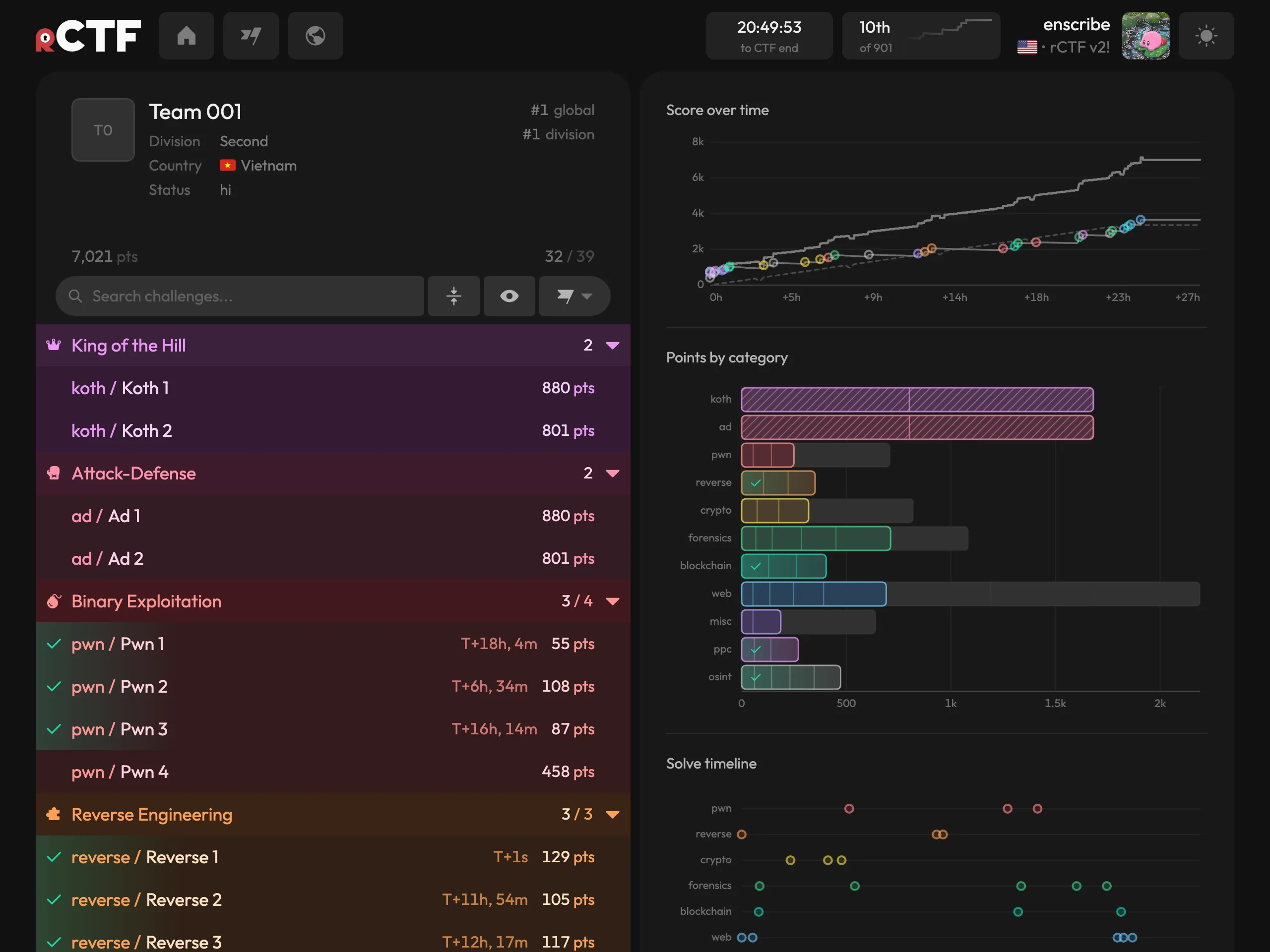
On your own profile, it shows richer data and has fancy specialized graphs for category breakdowns, score-over-time, and blood markers:
The new scoreboard is matrix-style and shows all teams against all challenges (the old one just had points):
This scoreboard is fully virtualized, meaning several thousand teams have minimal impact on scrolling.
On this matrix, you can filter by division, and click on individual challenge columns to sort on that column:
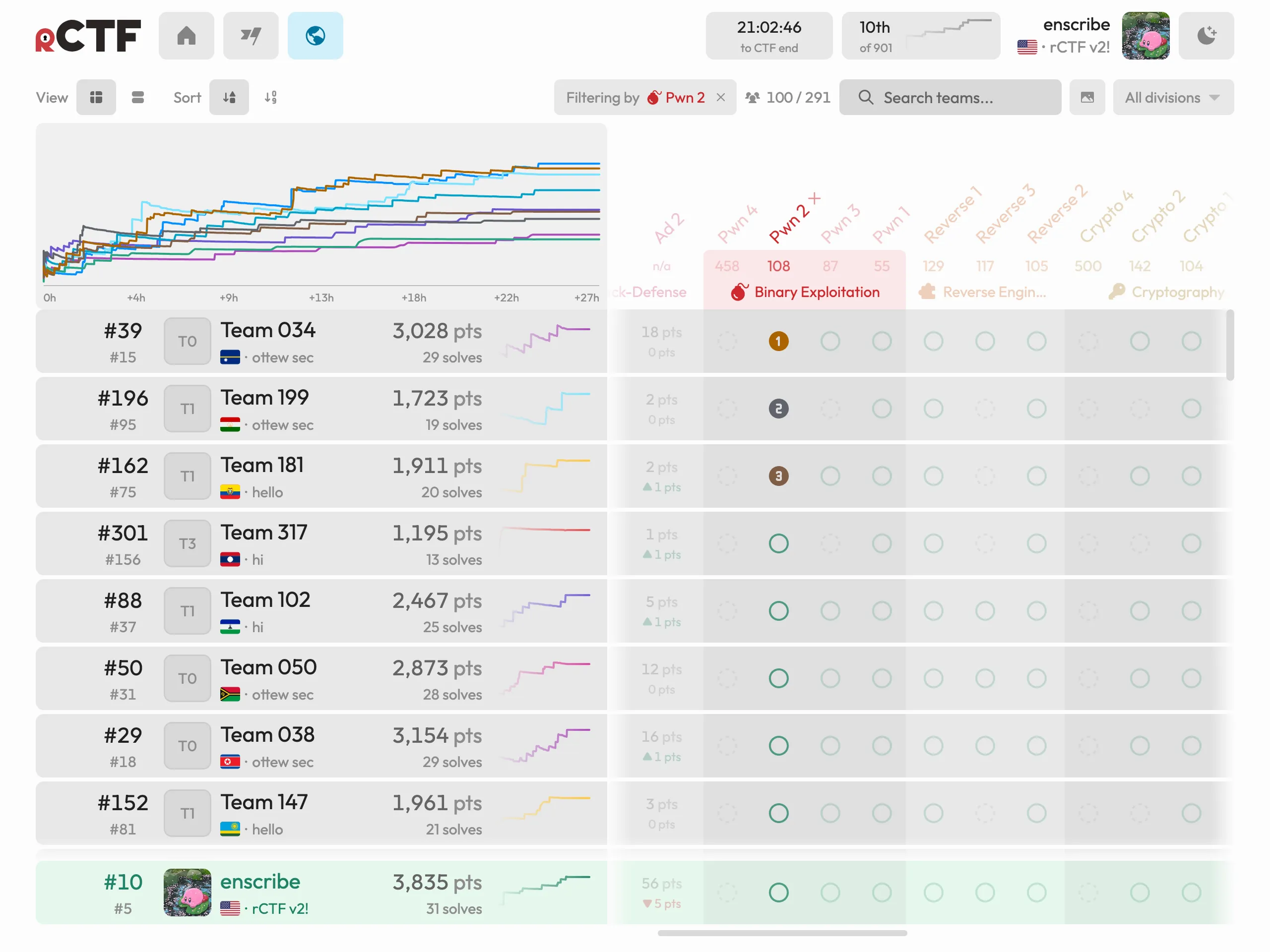
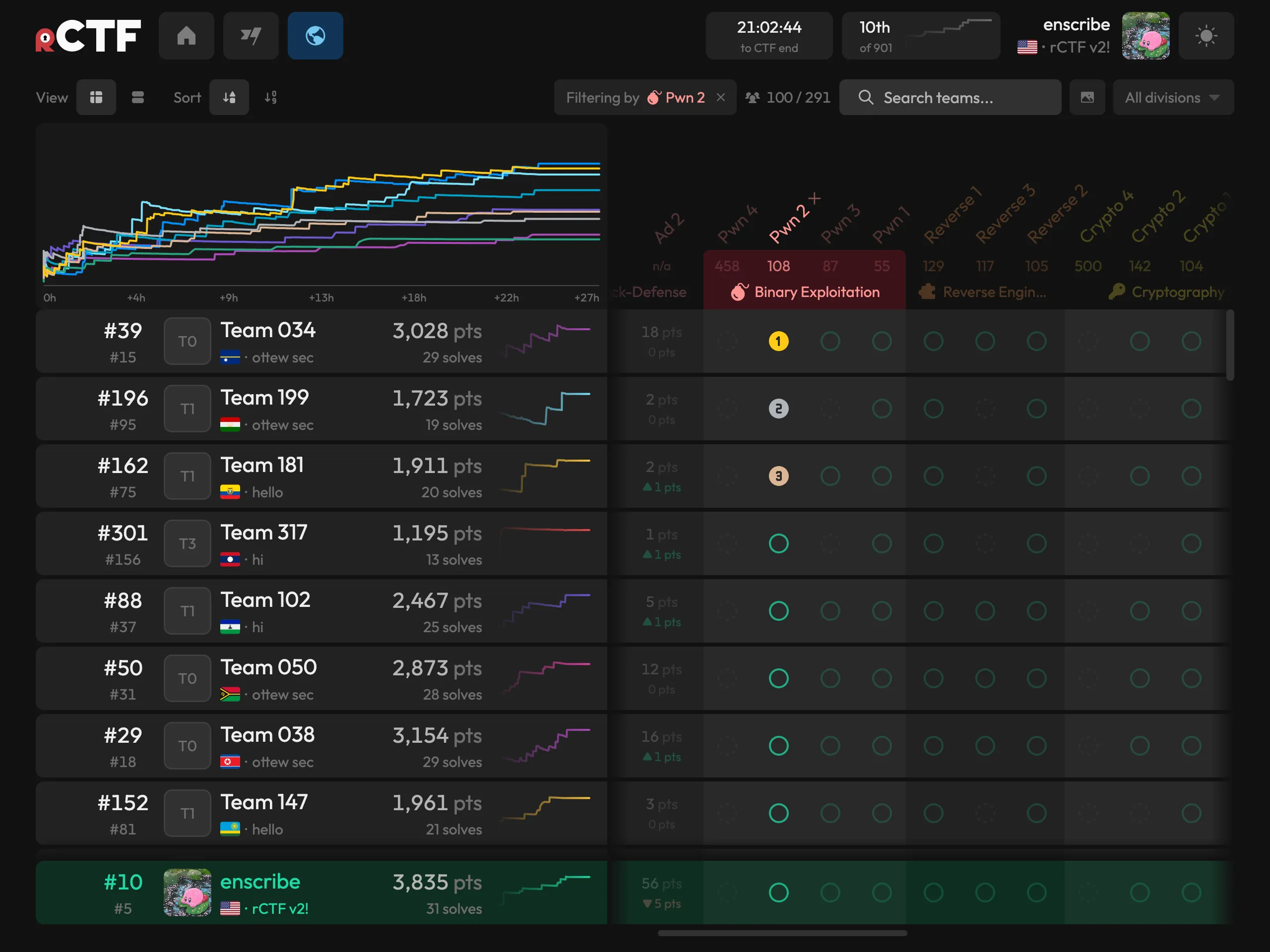
- The scoreboard shows rank deltas, and each team gets their own sparkline to indicate solve activity.
Screenshot mode allows you to create a beautiful export of the scoreboard in PNG/JPEG/WebP at up to 3x quality, with visibility toggles on most fields:
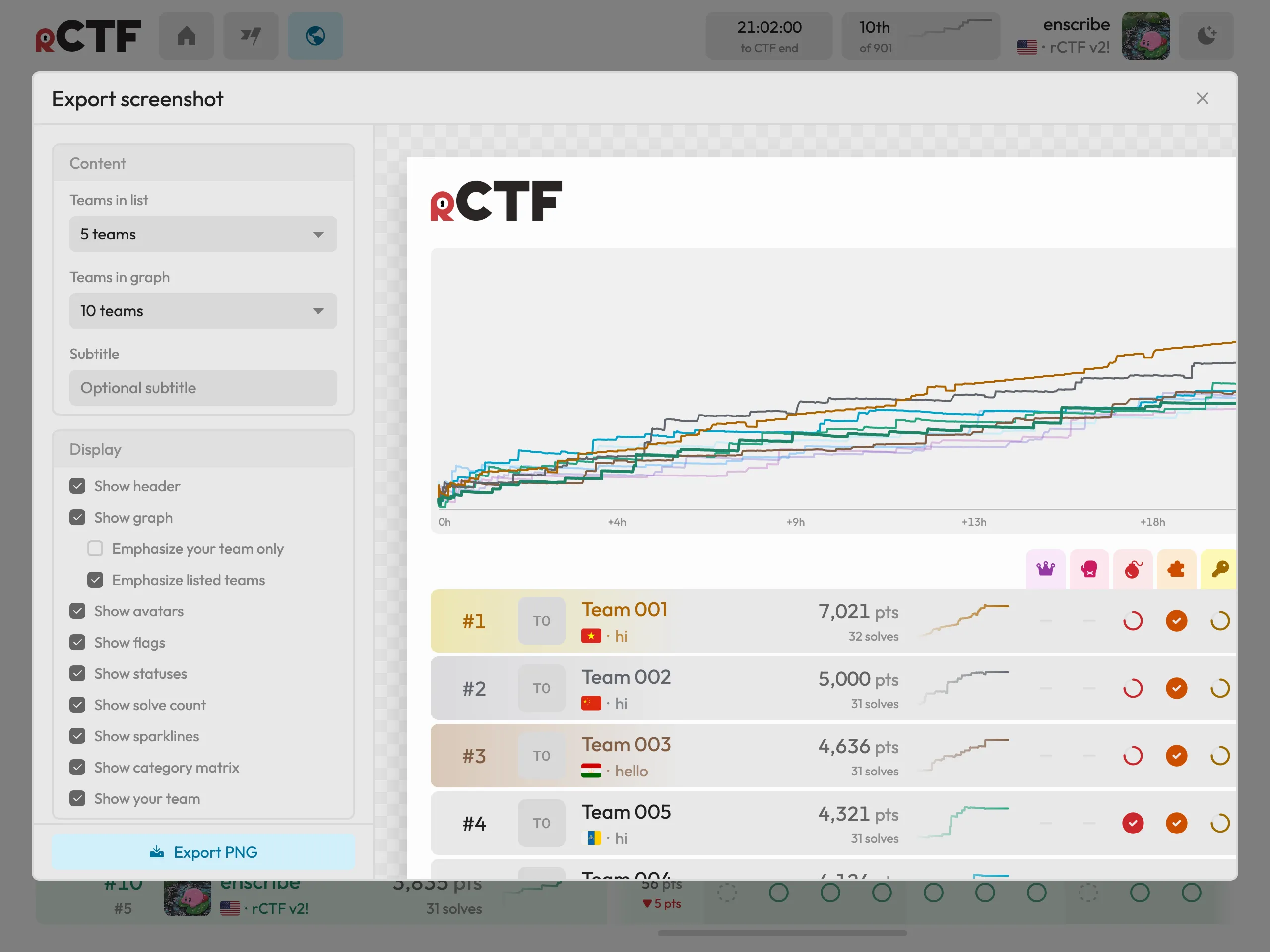
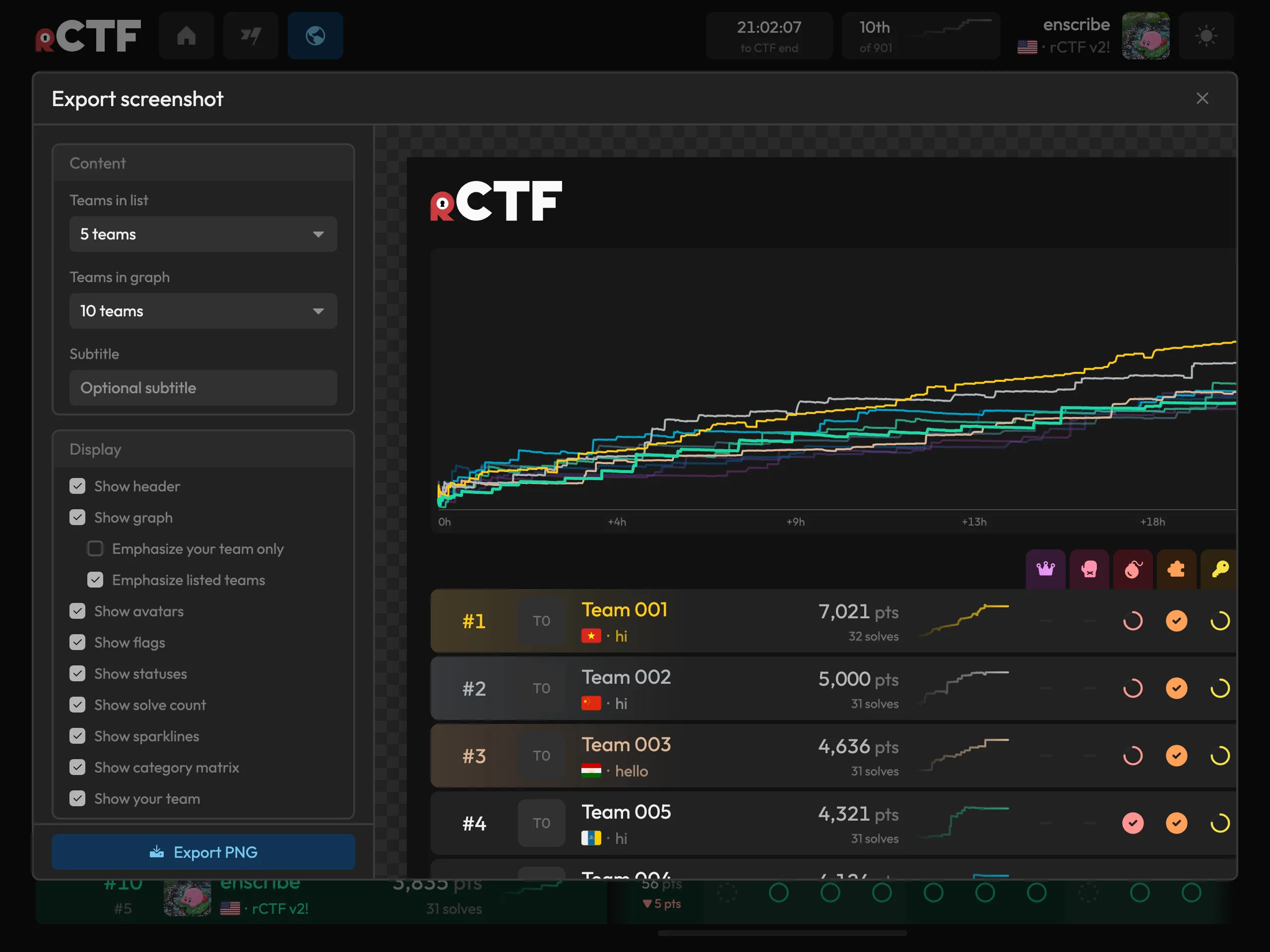
Much nicer than Snipping Tool, we’d say!
- First, second, and third bloods have custom appearances wherever they appear. Each challenge gets its own podium, and our built-in Bloodbot announces these solves to Discord or Telegram.
- Markdown authorship on the homepage and within challenge descriptions has become a lot richer. You can now write GitHub-style alerts (e.g. blue “Note”, purple “Important”, red “Danger”). Links for connections can be wrapped in a “Connection” block that adds a convenient copy button and double-click guard.
- There is now both light and dark mode, with a theme switcher.
- rCTF is now fully responsive for mobile devices (for when you need to CTF on your phone…?)
- rCTF is now a lot more accessible, with better tabbing/keyboard navigation.
- There is now also at least one easter egg that we will leave undocumented!
Scoring curve providers
Old rCTF had exactly one decay curve baked into it. We can finally be honest and say that this was probably not the best curve nor idea, and that organizers should have the ability to plug in a different one without patching.
v2 includes six scoring algorithms:
We’ll leave it as a reader exercise to figure out which ones are good and which ones are probably not good:
classicandsteepare hyperbolic decay on solve count.steepis, of course, the steeper and more punishing curve of the two.sekaiis a logarithmic curve. It is used in SekaiCTF.legacyis the original rCTF curve, for anyone who wants continuity with their past events.jammy(adapted from RealJammy’s beautiful implementation paper) prices a challenge by how long it survived before first blood.genniawards full points to exclusively the first two solvers of a challenge. Anyone else will receive zero.
Each algorithm is a small class with a single calculate method, so if none of these fit your event, write your own!
Score events logging
Underneath all of this sits a score events log. Every change in points is recorded with its source attached (e.g. a flag submission, a decay recompute, a dynamic scoring update). We built it because it was the only sane way to track dynamic challenge scores, and it doubles as a tidy audit trail when you’re wondering how a team got its points.
Konata
Old time rCTF organizers might remember rCDS, redpwn’s system for deploying challenges straight from a git repo. We loved that workflow and wanted it to keep growing, so v2 ships with a successor. Konata walks a repository of challenge directories, builds and pushes their Docker images, applies their Kubernetes manifests, and syncs the metadata into rCTF. Unlike rCDS, it can also sync to CTFd in parallel, if you’d like a safety net. Paired with the konata-deploy-action GitHub Action, which detects changed challenges and deploys only those, releasing a challenge is just merging a PR.
Compatibility and tooling
Keeping the ecosystem intact was a hard requirement when we initially conceived of this idea. /api/v1 remains fully compatible with the old api-types (the CI additionally runs a compatibility suite against it), so the scripts and bots you’ve built over the years keep working unmodified. This principle also extends to entire frontends. If you’ve made a custom v1 theme, you can point it at a v2 backend and keep using it. All new capabilities are written in /api/v2, which is additive and only extends fields on top of v1 responses.
Existing instances can upgrade by changing their deployment to the v2 image. On boot, rCTF migrates the database from the v1 schema and converts old configuration keys. Back up the database first, then follow the upgrading guide for the full procedure.
Sign-in provider
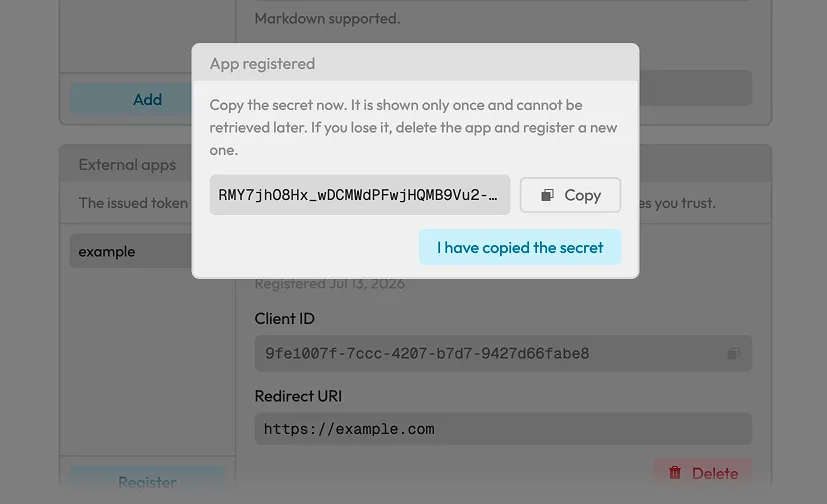
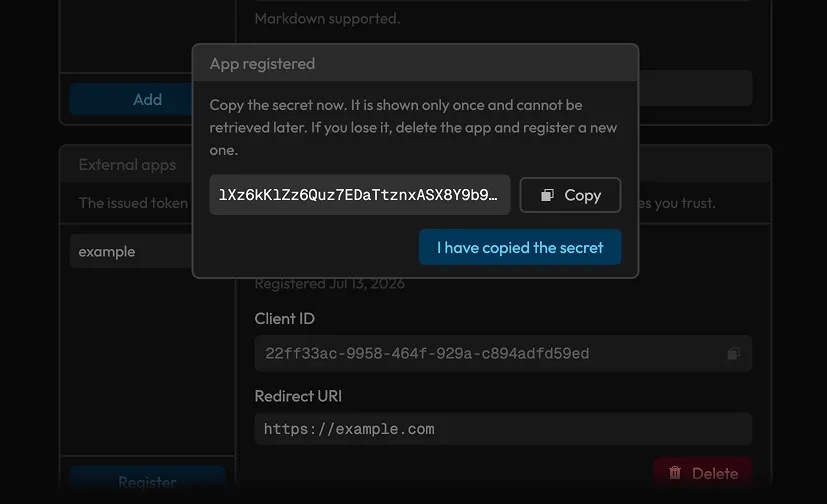
rCTF can act as the sign-in provider for other event tooling. After registering an external client, a custom challenge engine or Discord bot can offer “Sign in with rCTF” through an authorization-code flow. The protocol omits OAuth2 scopes and refresh tokens because tools used for a CTF weekend rarely need them.
Static exports for rCTF
When an event ends, the export tool writes its scoreboard, challenges, profiles, and attachments to a static archive that can be published on Cloudflare Pages or GitHub Pages. We think events (and their beautiful theming) deserve to outlive their infrastructure. Teams can revisit their solves years later, and organizers can turn off the servers without losing the event.
The new stack
The rewrite also changed most of the stack:
| v1 | v2 | |
|---|---|---|
| Runtime | Node.js + Yarn | Bun |
| HTTP framework | Fastify 3 | Hono 4 |
| Database layer | hand-written pg queries, JS migrations |
Drizzle ORM with a typed schema |
| Validation | JSON schema in routeConfig.yml |
Zod 4 everywhere |
| Frontend | Preact + webpack | Svelte 5 + Vite |
| TypeScript | 4.4 | 7.0* |
| Documentation | MkDocs | Custom |
Across both API versions, the codebase has roughly ninety endpoints, 235 Svelte components, and more than 140 test files. The tests include large leaderboards and the v1 compatibility suite.
These integrations can be selected in the configuration:
| Integration | Options |
|---|---|
| Captcha | hCaptcha, reCAPTCHA, Turnstile |
| SES, SMTP, Postmark, Mailgun | |
| File storage | local disk, S3, GCS |
| Blood announcements | Discord, Telegram |
| Avatar moderation | OpenAI |
| Analytics | Google Analytics, Cloudflare |
| Scoring | the six curves above, or your own |
| Instancing | Docker, Kubernetes |
v1 required organizers to assign frontend and leaderboard roles to each replica by hand. Every v2 replica runs the same roles, and the replicas elect a scoreboard leader among themselves. Load balancers and autoscalers can use the provided health endpoints.
If you’re organizing a CTF (with or without rCTF)
While writing the docs, we also wrote down everything we’ve learned from running events over the years in running a successful CTF. It covers planning and deadlines, challenge-authoring pitfalls, dry runs, what to monitor during the event, and the infrastructure mistakes we see every season (and have made ourselves). None of it is rCTF-specific, and we’d like for it to be useful to you even if you never touch our platform. There’s also a page called things we will not implement, in the spirit of being honest about scope before you build around us.
Security acknowledgments
AISafe Labs, Nebula Security, Hacktron, and Veria Labs gave us credits for their AI security tools and helped us review rCTF for bugs before release. We’re grateful to all four for the extra scrutiny and support.
Try it
$ curl -L https://get.rctf.osec.io | shThe installer puts rCTF in /opt/rctf and includes Docker Compose, Postgres, and Redis. Set ctfName, origin, startTime, and endTime in the configuration, then rebuild the deployment.
We’ve already run a few of our own events on v2 and had a wonderful time doing it, but a platform like this only really gets good in the hands of many organizers. If something feels rough or if you run into any bugs, please open an issue or tell us in the discussions. We’re listening, and we ship quickly!
Thank you to every organizer who has run their event on rCTF over the past six years. Happy organizing!